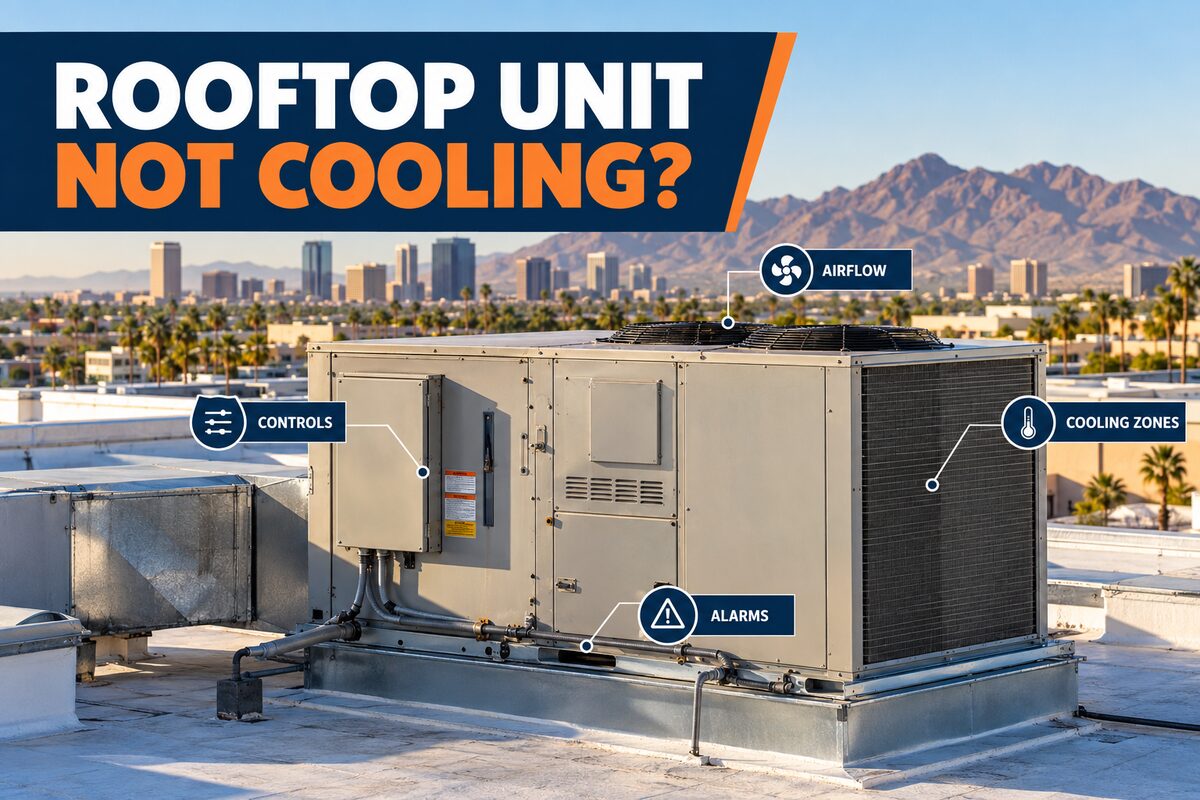
A rooftop unit not cooling can produce complaints across one room, several zones, or an entire commercial property. The location and timing of those complaints matter. Facility managers can support a safer, more focused diagnostic visit by documenting affected areas, thermostat calls, airflow, alarms, weather, occupancy, and recent changes—without opening panels or accessing unsafe roof areas.
Roof Access and Electrical Safety Come First
Only authorized personnel should access the roof. Do not climb during unsafe weather, approach damaged surfaces, open equipment panels, touch disconnects, or work near live electrical components. Staff observations can begin indoors through zone complaints, thermostat displays, approved building controls, and accessible records.
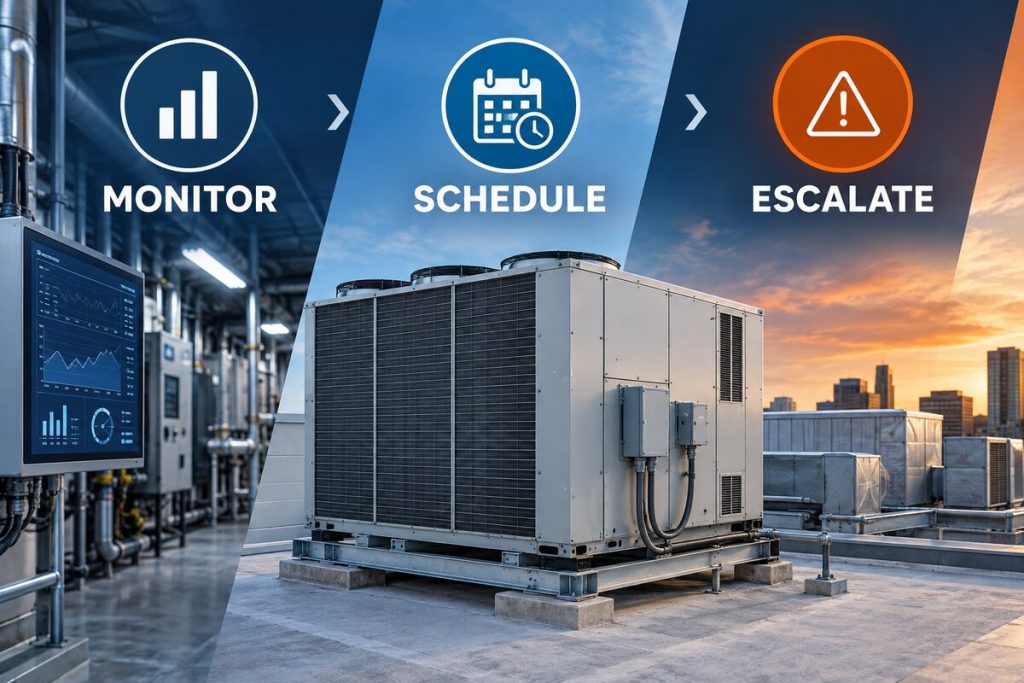
Burning odors, smoke, electrical sounds, water near electrical equipment, or a critical loss of cooling require the facility’s safety and escalation procedures.
Confirm Which Zones Are Affected
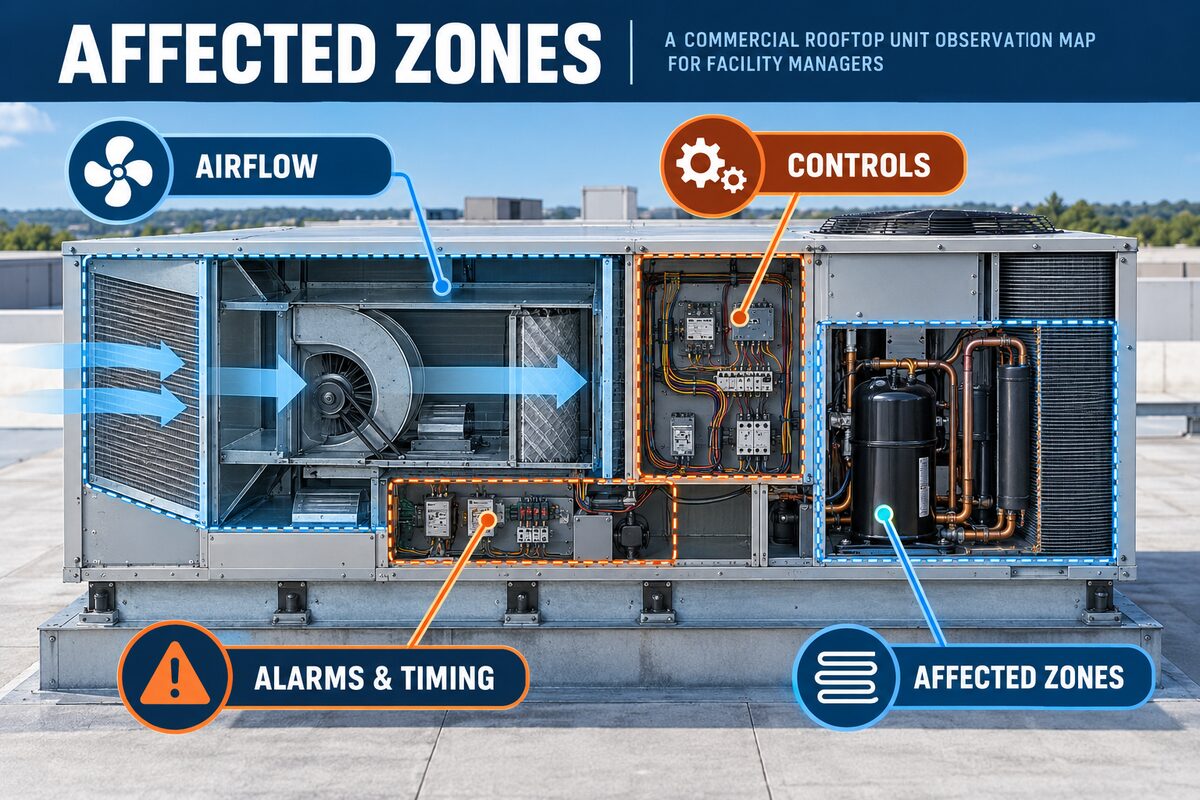
Map complaints by room, floor, tenant, exposure, and time. Determine whether the change is limited to one zone, follows sunny perimeter areas, appears during occupancy peaks, or affects every space served by the unit. Do not assume one uncomfortable room proves the rooftop unit itself has failed.
Record Thermostat and Control Context
Capture the displayed mode, setpoint, indoor reading, schedule, occupied or unoccupied status, and any visible alerts. Note recent programming, sensor, building automation, or tenant changes. Avoid repeated setpoint adjustments; they can obscure the original sequence and do not diagnose airflow, controls, or mechanical performance.
Compare Airflow at Accessible Supply Points
Document whether airflow feels normal, weak, uneven, unusually warm, or absent at representative accessible vents. Compare similar zones without removing grilles or entering ceilings. Record unusual noise and whether the change began suddenly or gradually.
Filter inspection or replacement should follow the property’s authorized maintenance plan and equipment requirements. Do not open rooftop cabinets to inspect internal components.
Consider Economizer and Outside-Air Context
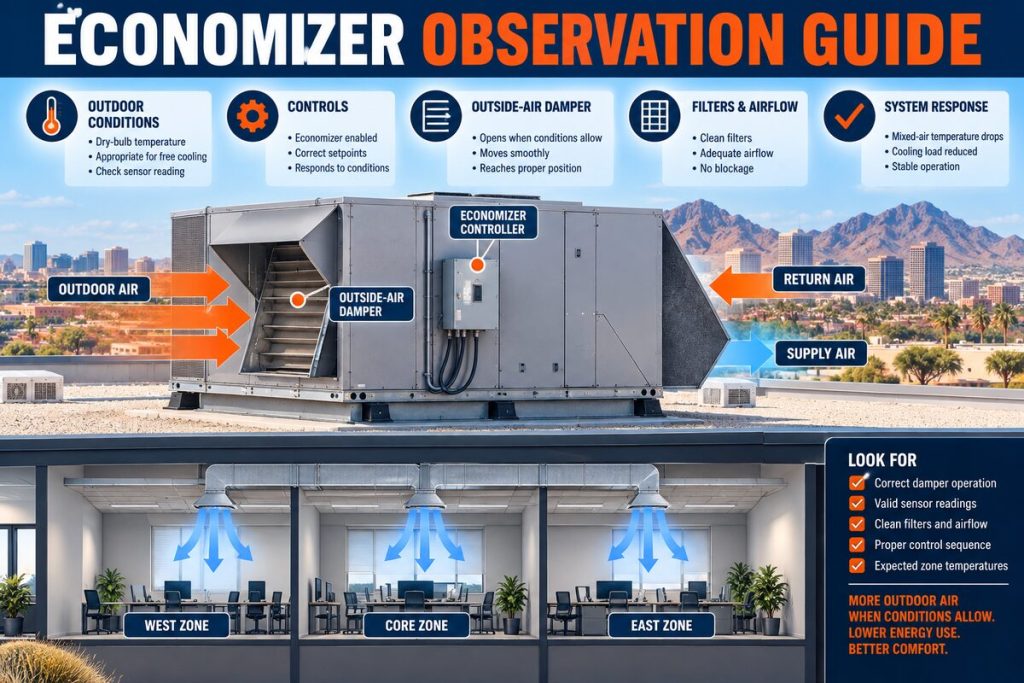
Rooftop units may use outside air and economizer controls depending on design and operating conditions. Facility teams can record outdoor temperature, weather, building schedules, odors, and whether the symptom coincides with a change in outside-air operation. Damper, actuator, sensor, and control testing belongs to qualified personnel.
Document Fans, Cycling, and Alarms
From approved controls and occupied spaces, note whether airflow starts and stops, whether the unit cycles differently from normal, and whether alarms repeat. Record complete alarm text and timestamps. Avoid repeated resets, bypasses, or attempts to force operation.
Account for Phoenix Heat, Dust, and Rooftop Exposure
Phoenix rooftops experience high temperature, solar load, dust, debris, monsoon conditions, and large day-to-night changes. Record weather and the time symptoms appear. Equipment may behave differently during peak load, but weather alone does not identify the cause. Professional evaluation may include heat rejection, coils, controls, airflow, electrical performance, refrigerant circuit, and overall capacity.
Separate Staff Observations From Technician Tests
Facility staff can organize complaints, verify approved settings, record accessible airflow, review alarms, and gather history. Technicians may test electrical components, sensors, fans, compressors, refrigerant conditions, economizer operation, and system performance. Keeping these roles separate protects people and preserves diagnostic evidence.
Prepare the Rooftop Unit Service Notes
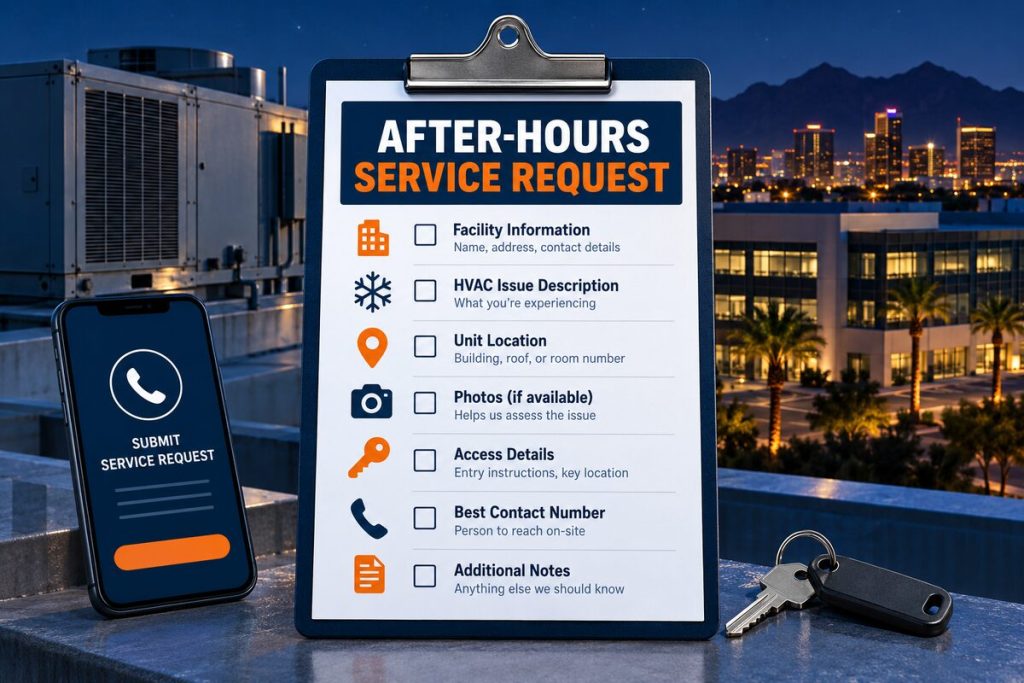
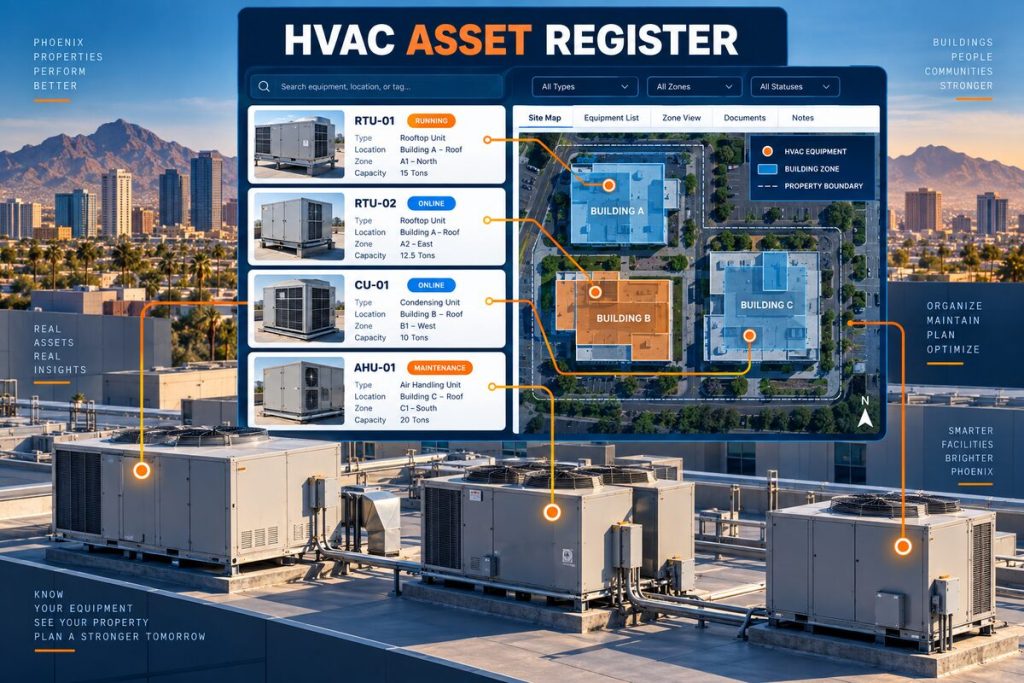
Include the asset ID, roof location, served zones, complaint map, controls screenshot, alarms, weather, occupancy, airflow observations, recent work, and access requirements. Identify the person who can authorize diagnostic work and coordinate tenant access.
Quick Reference Table
| Observation area | Facility manager records | Technician may evaluate |
|---|---|---|
| Affected zones | Rooms, time, exposure, tenant reports | Zone controls and delivered performance |
| Thermostat/BAS | Mode, setpoint, displayed temperature, alerts | Sensors, calls, schedules, communication |
| Airflow | Accessible vent comparison and noise | Filters, fans, ductwork, static pressure |
| Outdoor context | Weather, load, occupancy, recent changes | Economizer and heat-rejection performance |
| Cycling/alarms | Exact timing and complete code | Electrical, control, and mechanical causes |
Why Phoenix Operating Conditions Belong in the Record
Phoenix commercial properties operate through prolonged heat, intense rooftop exposure, dust, monsoon debris, large solar loads, and changing occupancy. These conditions can influence cooling load, heat rejection, airflow, controls, and recovery. They provide context but do not prove a component failure. Record weather, building activity, recent work, and the time the pattern appears.
Compare observations with the property’s established baseline rather than relying on memory. A system may operate differently during a delivery, a full dining period, a tenant event, an unusually dusty week, or an after-hours schedule. The baseline should identify normal occupied hours, typical complaints, known control schedules, and the equipment assigned to each area.
Turn Verbal Complaints Into Specific Evidence
Statements such as “it is warm,” “the unit sounds bad,” or “the cooler is not right” are starting points, not complete service notes. Ask where the change is noticed, when it begins, how long it lasts, what the display shows, which equipment serves the area, and what changed operationally. Record the speaker and time so the service team can follow up when necessary.
Use consistent descriptions. Identify the asset and zone instead of writing “main AC” or “back cooler.” Distinguish alarms from observations, and separate a displayed value from an independent reading. Attach photographs only when they can be taken safely and label them with the equipment ID and time.
Coordinate Access Before the Service Visit
Confirm roof, mechanical-room, tenant, kitchen, loading-area, or after-hours access before the appointment. Identify escorts, keys, gate instructions, parking restrictions, safety orientation, and the person authorized to approve diagnostic work. Clear ordinary storage from approved access areas without moving equipment guards or electrical components.
Share business-critical timing and operating constraints. A technician may need to observe the equipment under the conditions that create the complaint. Do not shut down, reset, clean, or alter settings immediately before the visit unless safety, product protection, or an approved procedure requires it; record any action that was taken.
What a Professional Evaluation May Include
A qualified technician can compare the history with measured airflow, electrical performance, controls, sensors, motors, refrigeration conditions, heat rejection, drainage, and the equipment operating sequence. The exact steps depend on the asset and evidence. Ask for findings tied to measurements, the proposed scope, important exclusions, and how operation will be verified after approved work.
A responsible recommendation should explain the observed condition, the testing completed, and why the proposed work addresses the findings. Replacement should not be based on one symptom alone. When several options exist, the facility manager can compare safety, reliability, compatibility, remaining condition, maintenance history, and operational priorities without relying on an unsupported remote diagnosis.
Keep the Record Useful After Service
Store the report, readings, photographs, recommendations, approved work, deferred items, and verification notes under the correct asset ID. Continue documenting whether the original condition returns. A consistent history helps property teams plan maintenance and gives future service visits better context.
Close the work order only after the property team understands what was tested, what was changed, and what should be observed next. Preserve older versions of logs and asset records. If a recommendation is deferred, record the reason, responsible person, review date, and any operating limitation provided by the service professional.
Related Services and Resources
- Commercial HVAC services
- Commercial rooftop unit service
- Commercial HVAC preventive maintenance
- Commercial HVAC emergency service
- Contact Discount AC & Refrigeration of Phoenix
Frequently Asked Questions
Why is only one zone warm?
Zoning, airflow, sensors, load, controls, and distribution can create localized complaints. Document the zone before assuming the cause.
Should staff lower the thermostat further?
Repeated changes can hide the original pattern. Follow the approved operating procedure and record current settings.
Can a facility manager inspect the rooftop unit?
Only within authorized access and safety rules. Panels, electrical testing, fans, and refrigerant work require qualified personnel.
Does hot Phoenix weather prove the unit is undersized?
No. Weather increases load, but sizing and performance require building and equipment analysis.
What alarm information should be recorded?
The complete code or message, time, operating status, affected zones, weather, and any recent change.
Can a dirty filter cause cooling complaints?
Restricted airflow can contribute, but filters must be handled under the approved maintenance plan and the system still needs evaluation if problems persist.
When is the situation urgent?
Use the facility plan when critical areas lose cooling, electrical odors or smoke appear, water creates a hazard, or operations are at risk.
What helps the technician most?
A zone map, settings, alarms, airflow observations, weather, occupancy, maintenance history, and clear roof-access information.
Request Professional Commercial HVAC Service
Discount AC & Refrigeration of Phoenix can review the equipment history, operating pattern, and site conditions before recommending an appropriate diagnostic or maintenance scope.