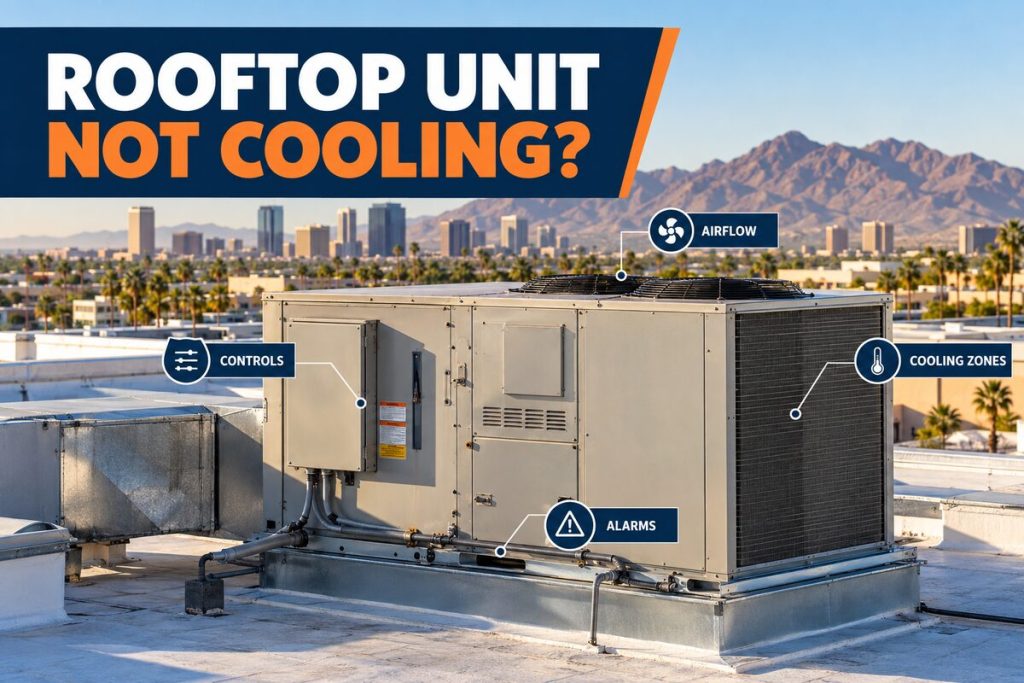

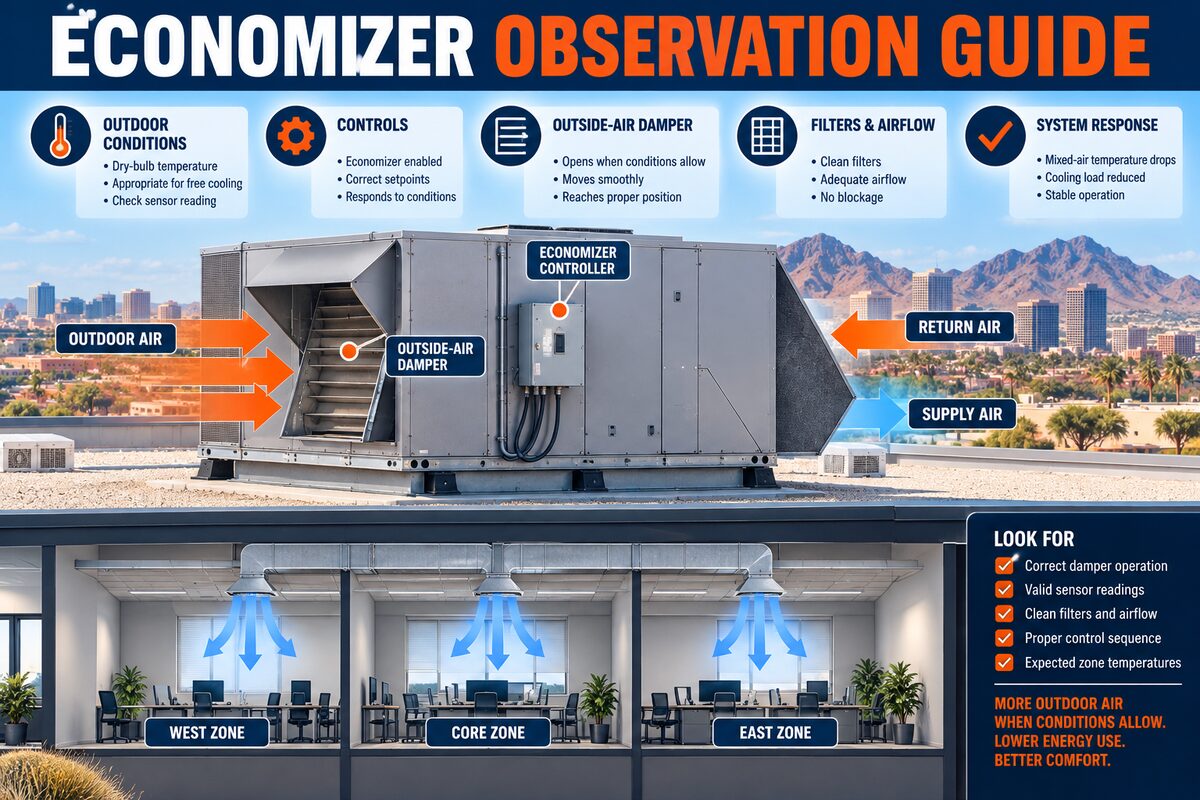
Possible rooftop unit economizer problems may appear as changing airflow, unusual indoor temperatures, outside odors, humidity complaints, or alarms that follow particular outdoor conditions. Facility managers can document the affected zones, weather, schedules, controls, and timing without accessing rooftop panels. Damper, actuator, sensor, wiring, and control testing belongs to qualified HVAC personnel.
Understand the Economizer’s Role Without Assuming the Fault
An economizer can introduce outdoor air when controls determine that conditions are suitable, while also supporting required ventilation strategies. Designs, sequences, sensors, and local requirements vary. A complaint that appears related to outside air does not prove the economizer failed; airflow, schedules, sensors, controls, mechanical cooling, exhaust, and building pressure may interact.
Keep Roof and Electrical Boundaries Clear
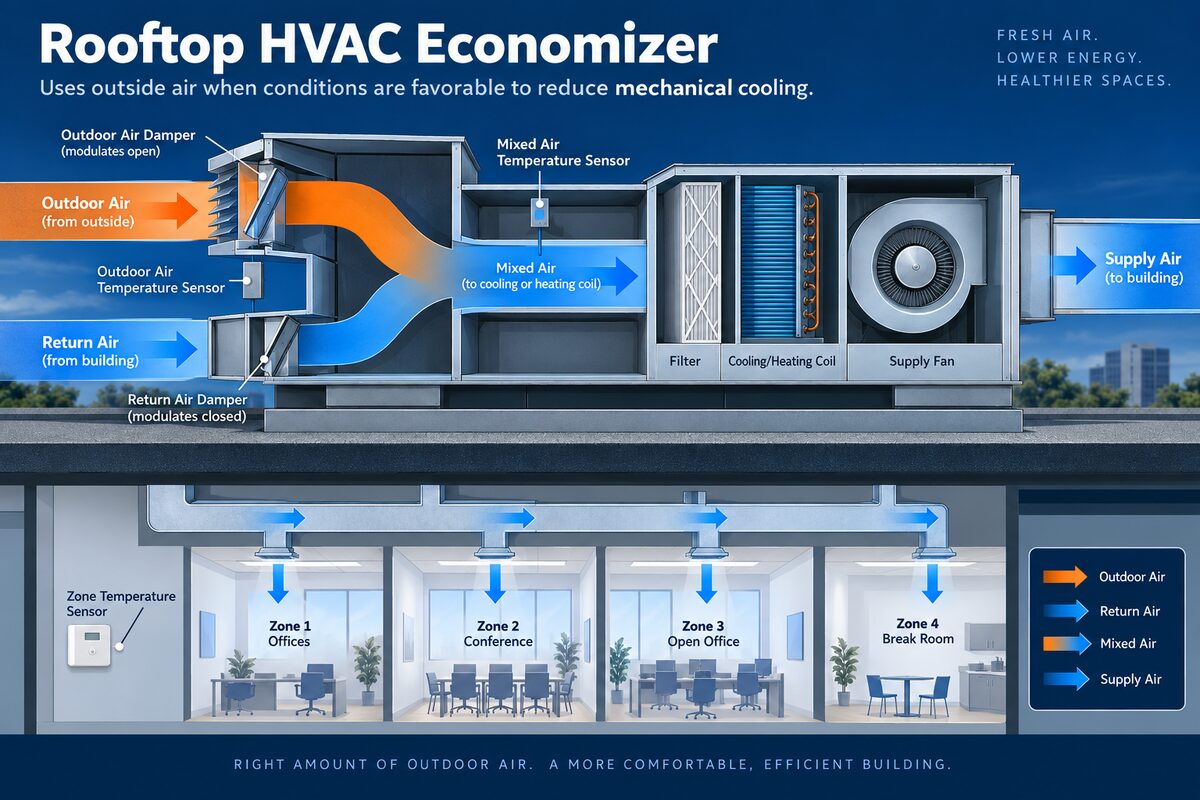
Only authorized personnel should access the roof. Staff should not open equipment panels, touch disconnects, force dampers, test actuators, or work near moving fans. Begin indoors with zone complaints, thermostat or building-control displays, approved trend data, and safe exterior observations. Escalate smoke, burning odors, electrical sounds, or water near electrical equipment under site procedures.
Map the Affected Zones and Time Pattern
Identify whether complaints affect one perimeter office, an entire tenant, several zones served by one rooftop unit, or multiple systems. Record when the pattern starts and ends, its relationship to occupied hours, sunrise, peak heat, wind, deliveries, kitchen operation, or nearby exhaust. A time-and-zone map is more useful than a general note that outside air feels wrong.
Record Outdoor and Indoor Conditions Together
Capture outdoor temperature, humidity when available, wind or storm context, indoor readings, thermostat mode, setpoint, occupancy, and perceived airflow. Note whether odors, dust, or temperature changes coincide with a weather shift. Phoenix dust and monsoon conditions provide context, but they do not identify a specific sensor or damper failure.
Preserve Schedule and Control Evidence
Record occupied or unoccupied status, visible alerts, recent programming, building automation changes, tenant overrides, and maintenance activity. Take screenshots when permitted. Avoid repeated setpoint changes or manual overrides because they can hide the original sequence and make trend data harder to interpret.
Document Airflow, Odors, and Building Pressure
From accessible indoor locations, compare representative supply and return areas. Note weak, strong, uneven, warm, or unexpectedly cool airflow; doors that are difficult to open or close; persistent outside odors; and changes near loading or kitchen areas. Do not remove grilles, enter ceilings, or attempt balancing adjustments.
Separate Economizer Symptoms From Other Categories
Similar complaints can involve filters, fans, ductwork, controls, sensors, exhaust, building pressure, mechanical cooling, or load. Facility notes should describe evidence rather than declaring a failed economizer. A technician may compare damper position, sensor values, actuator response, control commands, airflow, and the complete cooling sequence.
Know When to Schedule Professional Diagnostics
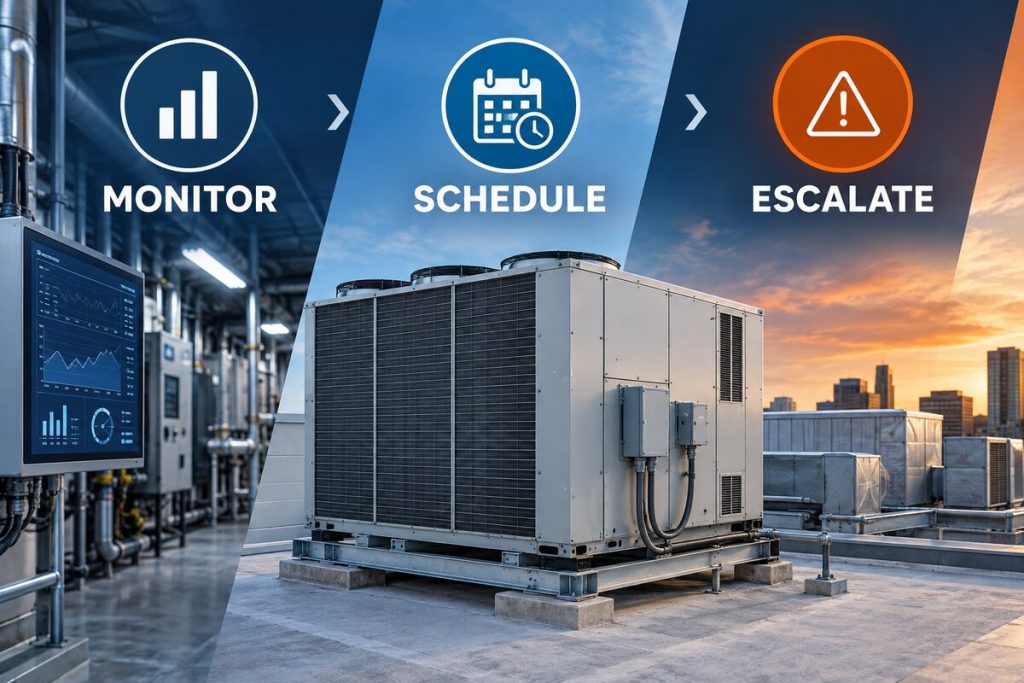
Request service when the pattern repeats, affects multiple zones, generates alarms, disrupts ventilation or comfort, or fails to recover under the normal schedule. Promptly escalate electrical odors, smoke, unsafe water, or loss of cooling in critical areas. Do not force the damper or bypass controls as a temporary solution.
Prepare Access and Operating Information
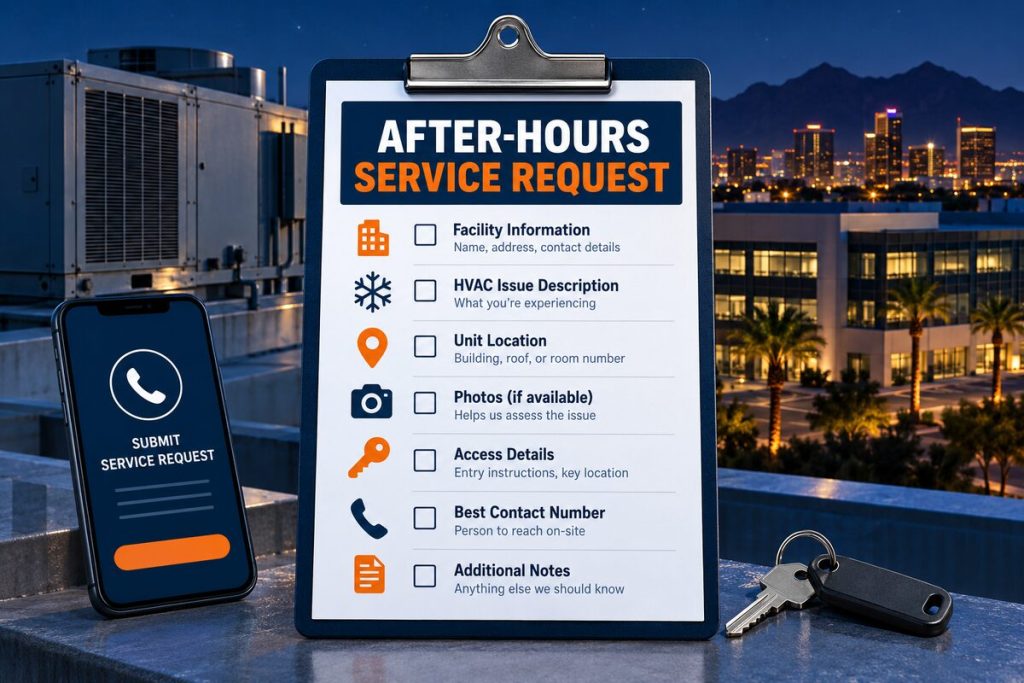
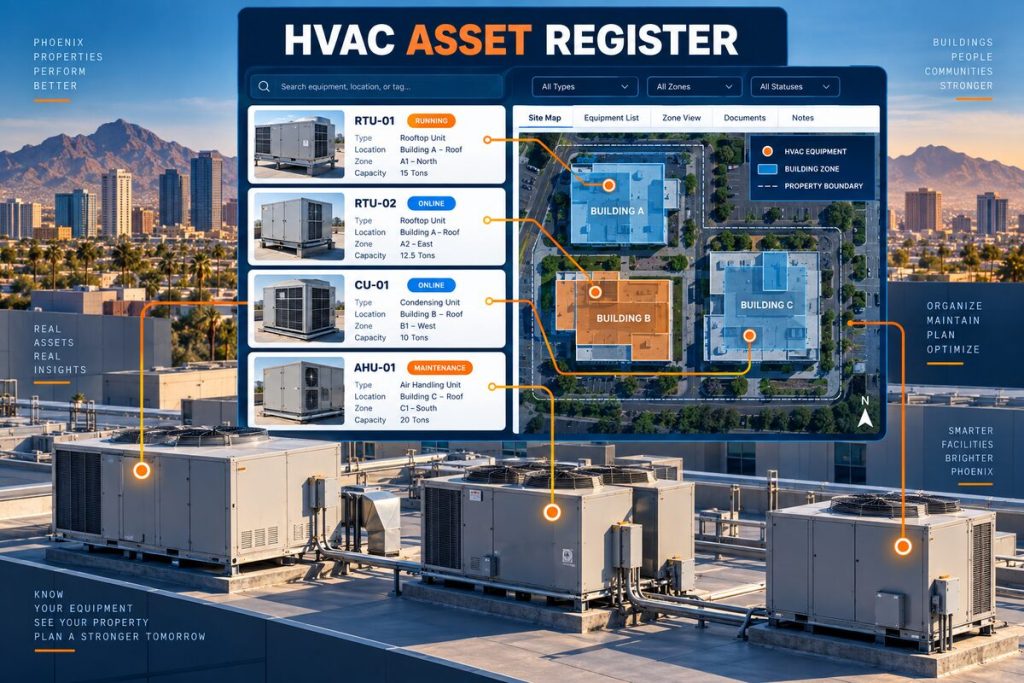
Provide the rooftop unit ID, roof location, served zones, complaint timeline, weather, schedules, control screenshots, airflow and odor observations, recent work, and roof-access requirements. Identify the contact who can authorize testing and coordinate access to occupied spaces.
Quick Reference Table
| Observation | Facility record | Technician evaluation |
|---|---|---|
| Zone pattern | Rooms, time, occupancy, exposure | Delivered airflow and control sequence |
| Outdoor context | Temperature, wind, dust, weather shift | Sensors and economizer enable logic |
| Controls | Schedule, mode, alerts, recent changes | Commands, actuator, damper position |
| Airflow/odor | Accessible vent comparison and source timing | Ventilation, exhaust, pressure, ductwork |
| Recovery | Duration and repeat conditions | Integrated mechanical cooling performance |
Why Phoenix Conditions Belong in the Record
Phoenix commercial buildings operate through prolonged heat, rooftop solar exposure, dust, monsoon debris, changing occupancy, and long cooling seasons. These conditions influence load, airflow, heat rejection, controls, and recovery, but they do not prove a particular component failed. Record outdoor conditions, building activity, and the time the symptom appears so a technician can compare evidence with measured performance.
Use the property’s established baseline instead of relying on memory. Delivery periods, full dining rooms, tenant events, construction, after-hours schedules, and unusually dusty days can change system behavior. The record should identify normal hours, known schedules, typical complaints, and which equipment serves each area.
Turn Complaints Into Useful Evidence
“It is warm,” “the cooler is alarming,” or “the air smells different” are starting points. Record where the change is noticed, when it begins, how long it lasts, what displays show, which asset serves the area, and what changed operationally. Separate observed facts from assumptions and label safe photographs with asset ID and time.
Consistent terminology helps different shifts and vendors understand the same record. Distinguish a displayed value from an independent reading, an alarm from a complaint, and an authorized action from a technician finding. Preserve original screenshots and reports instead of rewriting them into a shorter conclusion.
Create a Repeatable Documentation Standard
Use the same required fields on every shift: asset ID, date and time, observer, exact location, displayed value, approved independent reading when applicable, alarm text, operating context, visible condition, action taken, and escalation owner. A consistent form makes records comparable across employees, properties, and service visits. Free-form notes can add detail, but they should not replace the core fields.
Train staff to leave fields blank or mark them unknown instead of guessing. Define where photographs, screenshots, work orders, and technician reports are stored. Review the process when a record cannot be connected to an asset or when repeated complaints arrive without enough context to compare them.
Protect Diagnostic Evidence
Well-intended changes before a technician arrives can remove the condition that needs to be evaluated. Unless safety, product protection, or an approved procedure requires action, preserve current settings, alarm history, schedules, loads, and visible conditions. If staff must act, record the exact action and time so the service professional can reconstruct the sequence.
Do not clean internal components, disconnect sensors, force dampers, bypass safeties, repeatedly cycle power, add refrigerant, or open electrical panels. These actions create risk and can change the evidence. Safe exterior housekeeping should follow the property plan and manufacturer requirements, never an improvised troubleshooting step.
What Professional Evaluation May Include
A qualified technician may compare the history with airflow, electrical performance, controls, sensors, motors, drainage, heat rejection, refrigeration conditions, and the equipment sequence. The exact testing depends on the asset and evidence. Ask for findings tied to measurements, the proposed scope, exclusions, and verification after approved work.
Recommendations should explain the observed condition, testing completed, and why the proposed action addresses the findings. When alternatives exist, facility managers can compare safety, reliability, compatibility, operating role, service history, and business priorities without relying on an unsupported remote diagnosis.
Coordinate the Service Visit
Confirm tenant, roof, mechanical-room, kitchen, loading-area, and after-hours access. Identify escorts, keys, secure gate instructions, parking, safety orientation, and the person authorized to approve diagnostic work. Clear ordinary storage from approved access paths without moving guards, wiring, controls, or equipment.
Share business-critical timing and operating constraints. Equipment may need to be observed under the conditions that create the complaint. Do not clean, reset, shut down, or alter settings immediately before the visit unless safety, product protection, or an approved procedure requires it; document every action.
Evaluate Recommendations in Operational Context
A facility decision should connect the measured condition to the role of the equipment. Consider the areas served, redundancy, occupancy, inventory, compatible controls, maintenance history, access, and the effect of planned building changes. One symptom or the age of a unit alone does not establish the correct scope.
Ask what was tested, what was not tested, how the conclusion was reached, what verification will follow approved work, and what operating limitations remain. When work is deferred, document the reason, responsible person, review date, and any temporary operating guidance supplied by the qualified service professional.
Keep the Record Useful After Service
Store readings, photographs, recommendations, approved work, deferred items, verification notes, and operating limitations under the correct asset ID. Continue observing whether the original condition returns. Close the work order only when the property team understands what was tested, what changed, and what remains open.
Communicate relevant changes to each shift, tenant contact, or department that monitors the system. Retain prior records rather than replacing them with the newest report. A complete history helps future technicians compare patterns and helps managers plan maintenance without treating every visit as an isolated event.
Related Services and Resources
- Commercial HVAC services
- Rooftop unit service
- Commercial HVAC preventive maintenance
- Commercial HVAC emergency service
- Commercial AC installation
- Contact us
Frequently Asked Questions
What does a rooftop economizer do?
It can use suitable outdoor air and participate in ventilation, according to the equipment design and control sequence.
Does warm outdoor air prove the economizer is stuck open?
No. Document the pattern; sensor, control, airflow, load, and mechanical cooling conditions require testing.
Can staff move the economizer damper by hand?
No. Do not open panels, force dampers, or work near actuators and fans.
Why do odors matter?
Their timing and location can help evaluate outdoor-air intake, exhaust interaction, and building pressure.
What weather information should be recorded?
Outdoor temperature, wind, dust or storm conditions, and the time the symptom changes.
Should thermostat settings be changed repeatedly?
No. Preserve the original settings and sequence unless an approved procedure directs a change.
When should the issue be escalated?
When safety, critical cooling, ventilation, water, smoke, or electrical conditions require the facility response plan.
What helps a technician most?
Asset ID, zone map, schedules, screenshots, weather, airflow, odors, recent work, and a repeatable timeline.
Request Professional Commercial HVAC Service
Discount AC & Refrigeration of Phoenix can review the equipment history, operating pattern, and site conditions before recommending an appropriate diagnostic or maintenance scope.