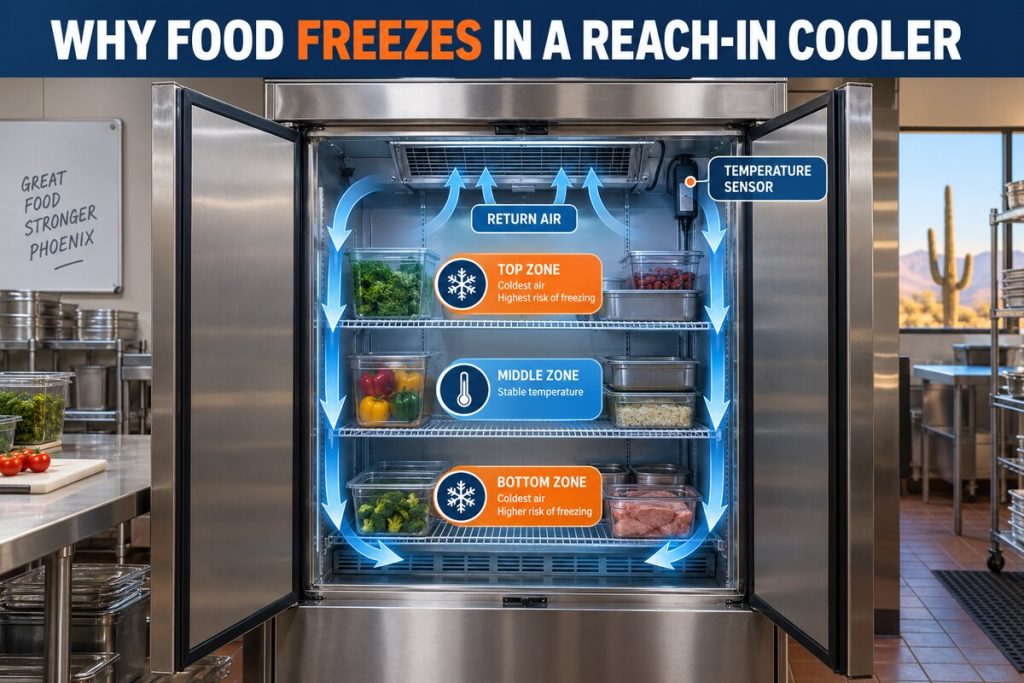

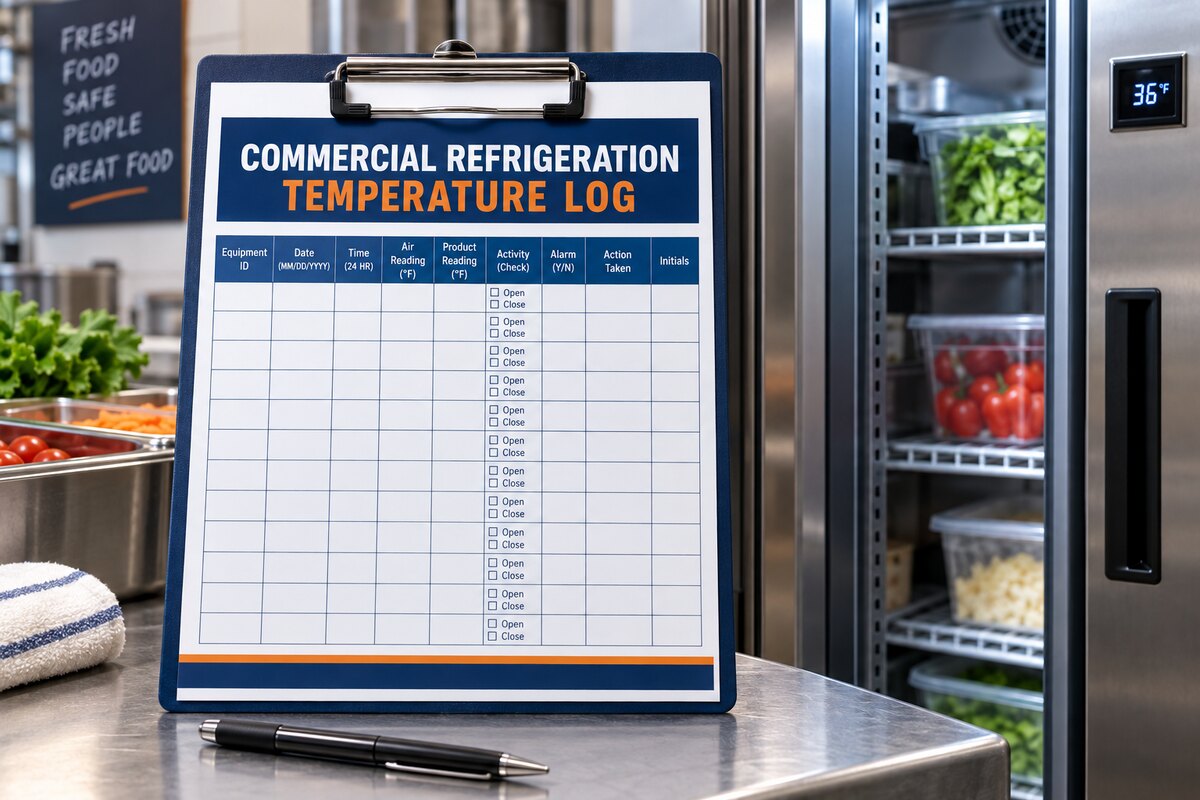
A commercial refrigeration temperature log works only when staff can complete it consistently and managers use it to make decisions. Complicated forms get skipped. Vague entries such as “cooler warm” provide little diagnostic value. A practical log identifies the equipment, records readings at repeatable points, explains operating context, and shows exactly when an exception must be escalated.
Why Temperature Logs Fail
Logs often fail because the equipment is not clearly identified, measurement points change, units are inconsistent, staff record only exceptions, or nobody reviews the entries. Another common problem is combining air temperature, product temperature, and display values without labeling which one was recorded. Design the form around the actual workflow, not around every field that might someday be useful.
Start With a Clear Equipment ID
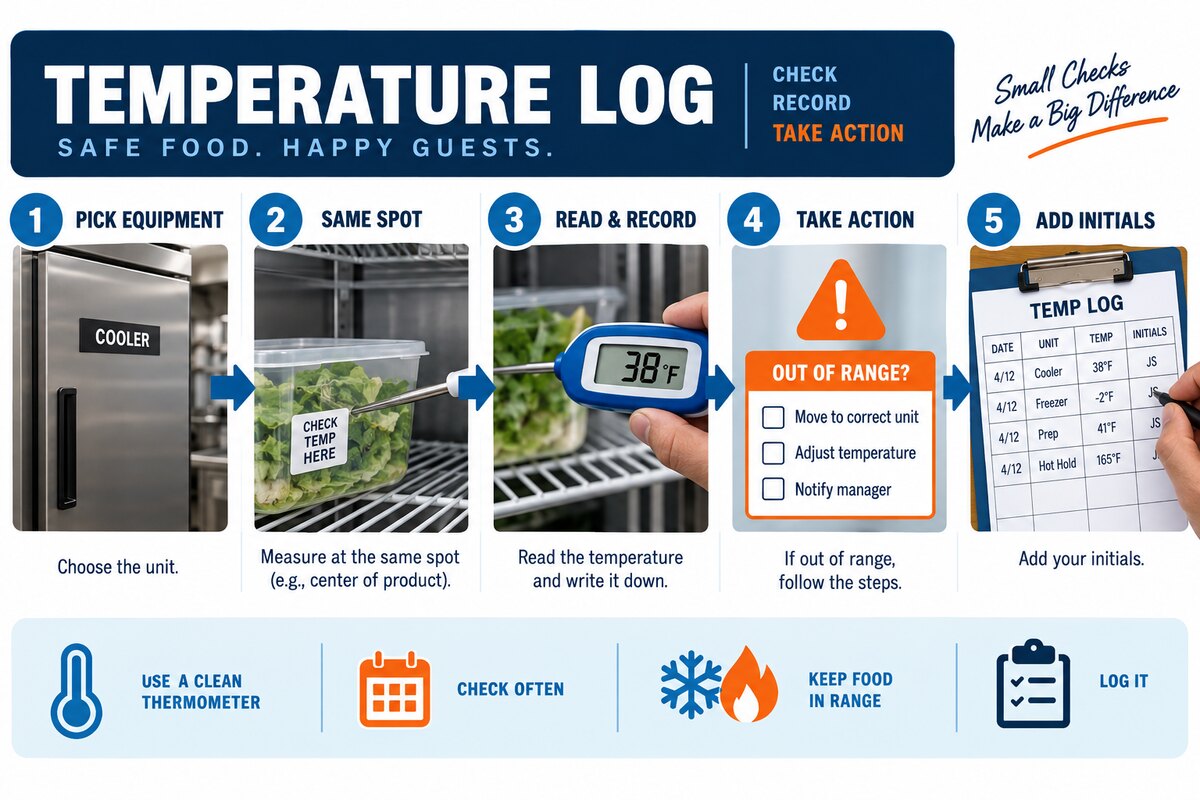
Give each cooler, freezer, walk-in, and display case a unique ID that appears on the unit and the log. Include location and equipment type. “Kitchen cooler” becomes confusing when several units serve the same area. A stable ID lets maintenance records, alarms, photos, and service invoices connect to the correct asset.
Use Consistent Date, Time, and Units
Record the full date and time using one format. State whether readings use Fahrenheit or Celsius and keep that choice consistent. Scheduled checks should align with the food-safety plan and operating pattern. Avoid filling several past entries from memory at the end of a shift.
Label the Type of Reading
A display value, cabinet-air reading, and product reading are not interchangeable. The log should name the type of reading and, when applicable, the approved instrument and measurement method. Product measurements and disposition decisions must follow the facility procedure and appropriate authority.
Define Repeatable Measurement Points
Choose approved locations that staff can repeat without moving guards or interfering with airflow. A vague instruction such as “check somewhere in the cooler” creates inconsistent data. For a cabinet, the plan might define a shelf and zone; for a walk-in, it might specify an approved location away from the door. Document any unavoidable change.
Add Operating Context
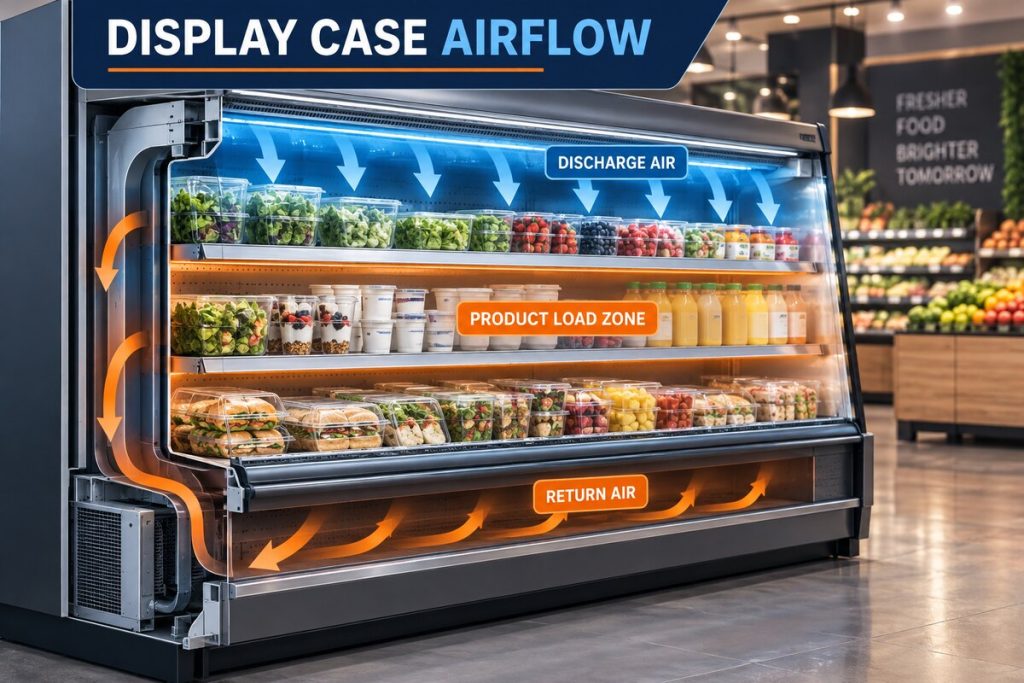
A number becomes more useful when paired with context. Include door activity, delivery or restocking, cleaning, defrost status, power interruption, occupancy, ambient conditions, and alarms when relevant. A reading immediately after loading means something different from the same reading after a quiet overnight period.
Create a Simple Exception and Escalation Field
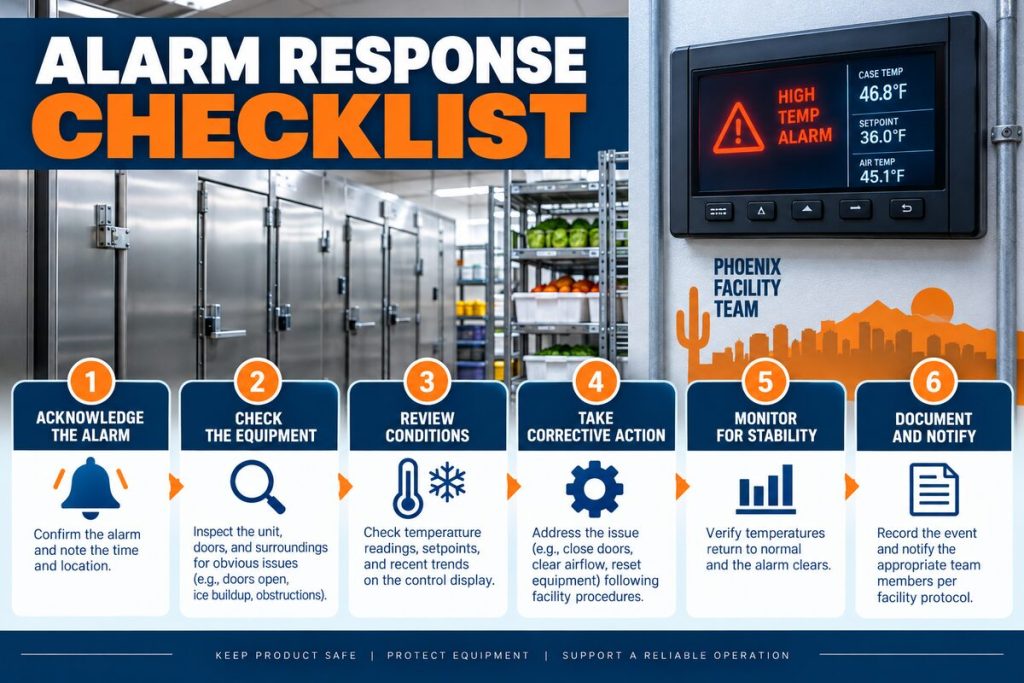
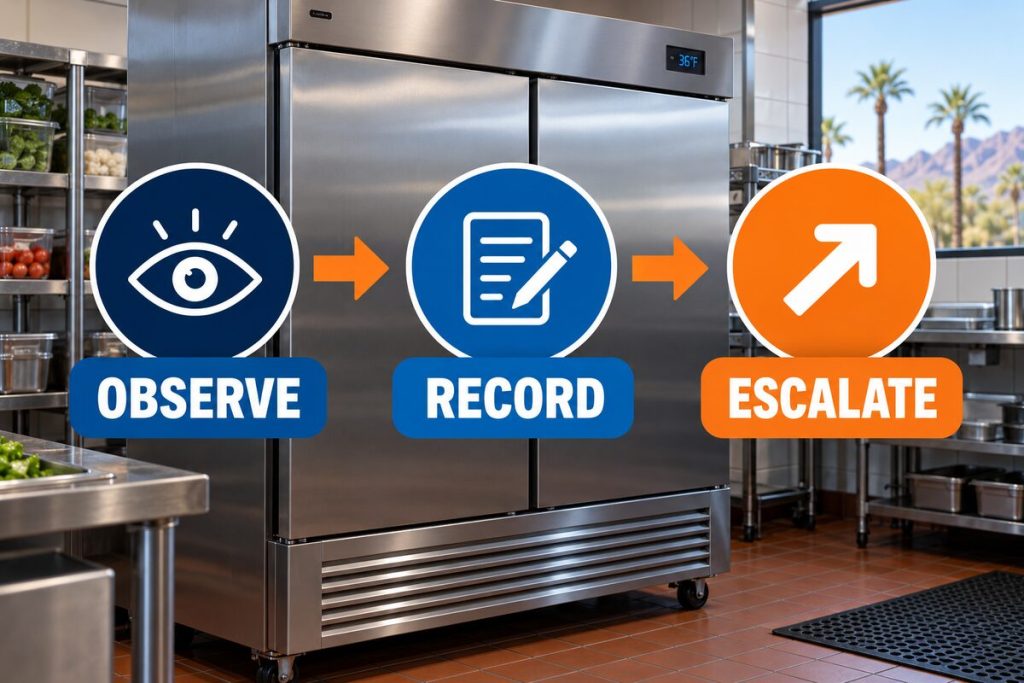
The form should separate the observation from the action. Use fields for alarm or exception, immediate action under the approved plan, person notified, time of notification, follow-up, and initials. Staff should not diagnose components. Their job is to record evidence and follow the established escalation path.
Paper Versus Digital Logs
Paper is visible and simple but can be damaged, misplaced, or difficult to trend. Digital logs support reminders, required fields, photos, and summaries but need access controls and a reliable device. The best format is the one staff can use during real operations and managers will review. Keep a retention policy and preserve original entries.
Train, Review, and Improve the Form
Demonstrate the exact equipment IDs, approved measurement points, instruments, units, exception thresholds, and notification path. Managers should review missing entries, repeated exceptions, and unclear actions. Update the form when equipment or procedures change, but keep historical records intact.
Observation Summary
| Required field | Example entry | Purpose |
|---|---|---|
| Equipment ID | RI-02 Prep Line | Connects the reading to one asset |
| Date and time | 2026-10-20 09:00 | Creates a usable sequence |
| Reading type | Display / air / product | Prevents unlike values from being mixed |
| Operating context | Delivery completed 20 minutes earlier | Explains load and door activity |
| Alarm or exception | High-temperature alarm displayed | Preserves evidence |
| Action and initials | Manager notified — JR | Documents escalation |
Account for Phoenix Operating Conditions
Phoenix commercial kitchens, markets, and food-service facilities operate through long periods of high outdoor temperature. Equipment location, condenser exposure, kitchen heat, delivery schedules, door traffic, and the condition of the surrounding mechanical area can all affect the refrigeration load. These conditions do not replace equipment testing, but they belong in the service history because a pattern that appears only during a particular shift, delivery window, or high-load period may be important.
Record nearby changes such as new shelving, blocked clearances, construction dust, altered store airflow, or a recently moved case. Keep approved access and ventilation areas clear. Cleaning condenser components, opening electrical sections, testing refrigerant circuits, or changing controls should follow the manufacturer requirements and be completed by qualified personnel.
What a Professional Evaluation May Include
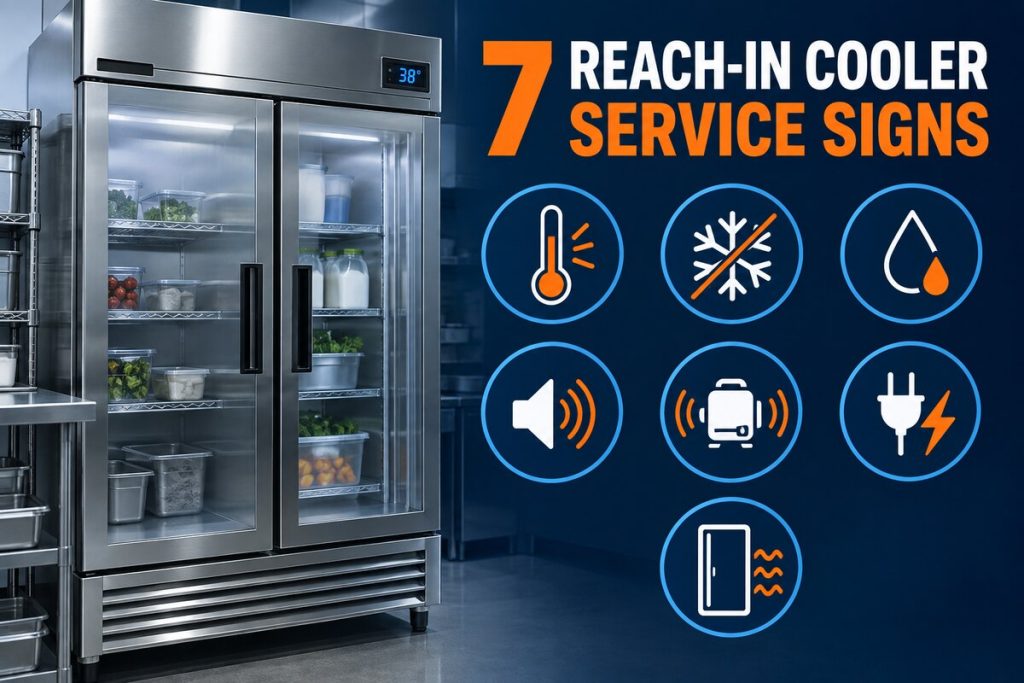
A commercial refrigeration technician may compare the operating history with cabinet temperatures, sensor response, control calls, fan operation, defrost behavior, door condition, heat rejection, electrical performance, and sealed-system readings. The exact sequence depends on the equipment and the evidence available. A responsible diagnosis connects measured findings to the recommendation instead of replacing parts from one symptom.
Ask for a written explanation of the observed condition, the proposed scope, important exclusions, and how operation will be checked after approved work. Keep the final service report with the equipment log so future technicians and facility managers can see what changed, what was tested, and whether the same pattern returned.
Build a Clear Service Request
A concise request should identify the unit, location, earliest known change, affected product or zone, alarm history, readings, door or stocking context, and any action already taken under the facility procedure. Include photographs when they safely show the condition. Name the person who can provide access and authorize diagnostic work.
Avoid statements that assume the cause, such as “the compressor is bad” or “the unit only needs refrigerant,” unless a qualified technician has already documented that finding. Describe what staff actually observed. This keeps the service conversation focused and helps preserve a defensible maintenance record.
Related Commercial Refrigeration Resources
- Commercial refrigeration services
- Reach-in coolers and display cases
- Emergency refrigeration service
- Refrigerant leak detection
- Contact Discount AC & Refrigeration of Phoenix
Frequently Asked Questions
How often should staff complete a temperature log?
Frequency should follow the facility food-safety plan, equipment requirements, operating risk, and applicable guidance.
Should the log include display and product temperatures?
Include only approved readings, clearly label each type, and follow the business procedure for product measurements.
Can a log diagnose refrigeration problems?
No. It shows patterns and operating context that support professional evaluation.
What happens when a reading is outside the approved range?
Follow the documented escalation and product-safety procedure; record the observation, action, notification, and follow-up.
Is a digital log better than paper?
Either can work. Choose the format staff complete reliably and management can review, retain, and audit.
Request Commercial Refrigeration Service
Discount AC & Refrigeration of Phoenix can review the equipment history, operating pattern, and site conditions before recommending the appropriate diagnostic scope.