
When you find your walk in cooler not cooling, the first concern is the inventory inside it. A rising temperature can affect food safety, interrupt kitchen operations, and place additional strain on the refrigeration system. In Phoenix, high outdoor temperatures make the situation more urgent because the condensing equipment must reject heat under demanding conditions.
Restaurant managers and employees can document temperatures, protect products, inspect the door, and look for visible airflow problems. Electrical testing, refrigerant work, panel removal, and component replacement should be left to a trained commercial refrigeration technician.
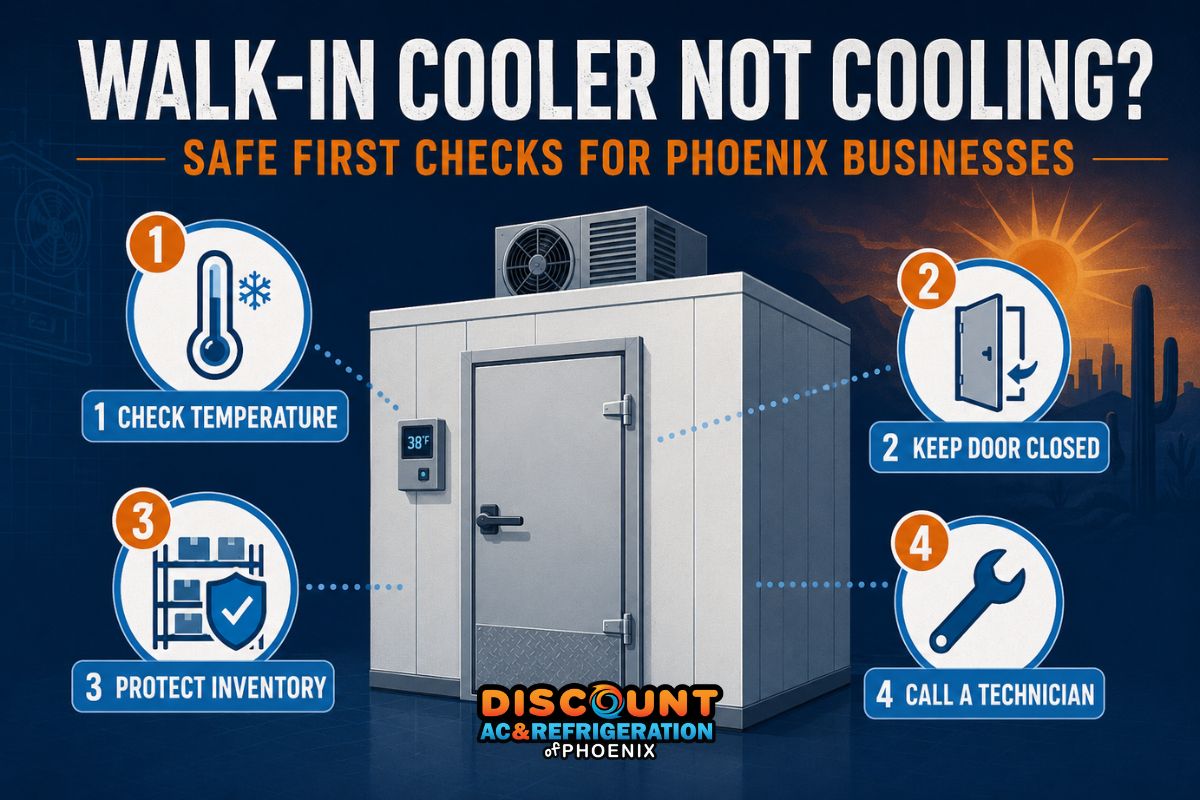
Start here: Measure the product and air temperature with a reliable independent thermometer, keep the cooler door closed, record the time and readings, and prepare to move temperature-sensitive inventory if the temperature continues to rise.
How to Confirm That the Walk-In Cooler Is Losing Temperature
A controller display above its normal setting deserves attention, but the display alone does not confirm the actual product temperature. A damaged sensor, poor sensor placement, recent delivery, or frequent door openings can cause a temporary difference between the displayed temperature and conditions elsewhere in the box.
Place a calibrated appliance thermometer in the storage area and check representative products with an appropriate food thermometer when permitted by your operating procedures. Compare those readings with the controller and document the time. Our guide to the ideal walk-in cooler temperature explains normal operating ranges and how temperature readings should be interpreted.
Many commercial operators maintain walk-in coolers around 34°F to 38°F so that products remain safely below the applicable cold-holding limit without freezing. The FDA Food Code uses 41°F or below as the cold-holding standard for many time/temperature control for safety foods. Your business must follow the requirements that apply to its products and local jurisdiction.
Do not judge food safety by smell, appearance, or the cooler display alone. Record actual product temperatures and consult your food-safety plan, manager, supplier, or local regulatory authority before deciding whether exposed inventory can be retained.
Observable Symptoms of a Walk-In Cooler Problem
A complete shutdown is easy to recognize, but many cooler failures begin with smaller changes. Staff should report these symptoms instead of waiting for the cooler to become warm:
- The temperature rises and does not return to its normal range.
- The refrigeration system runs continuously or cycles unusually often.
- Products near the door feel warmer than products near the evaporator.
- The door does not close completely or the gasket is torn, loose, or dirty.
- Ice develops around the evaporator, refrigerant lines, floor, or door frame.
- Airflow from the evaporator appears weak or uneven.
- Water collects beneath the evaporator or around the cooler entrance.
- The unit produces grinding, buzzing, clicking, hissing, or banging sounds.
- The room feels humid or condensation repeatedly appears on surfaces.
- The exterior condensing unit is running under visibly dirty or obstructed conditions.
If these symptoms are persistent, arrange a professional walk-in cooler and freezer service. Delaying diagnosis can expose more inventory and cause secondary damage to components that are still operating.
Immediate Inventory-Safety Steps
- Record temperatures and times. Note the controller reading, independent air reading, product temperatures, and the time the problem was first discovered.
- Keep the door closed. Assign one person to control access. Repeated checks allow warm, humid Phoenix air to enter and can accelerate temperature rise and frost formation.
- Separate affected inventory. Identify high-risk products and mark items that require evaluation. Do not mix potentially exposed products with inventory known to be within its required range.
- Prepare approved backup storage. Move products to another verified cooler or refrigerated vehicle when required by your food-safety plan. Confirm the receiving equipment’s temperature before transferring inventory.
- Contact the responsible manager. Follow the business’s written food-safety, HACCP, or temperature-excursion procedure.
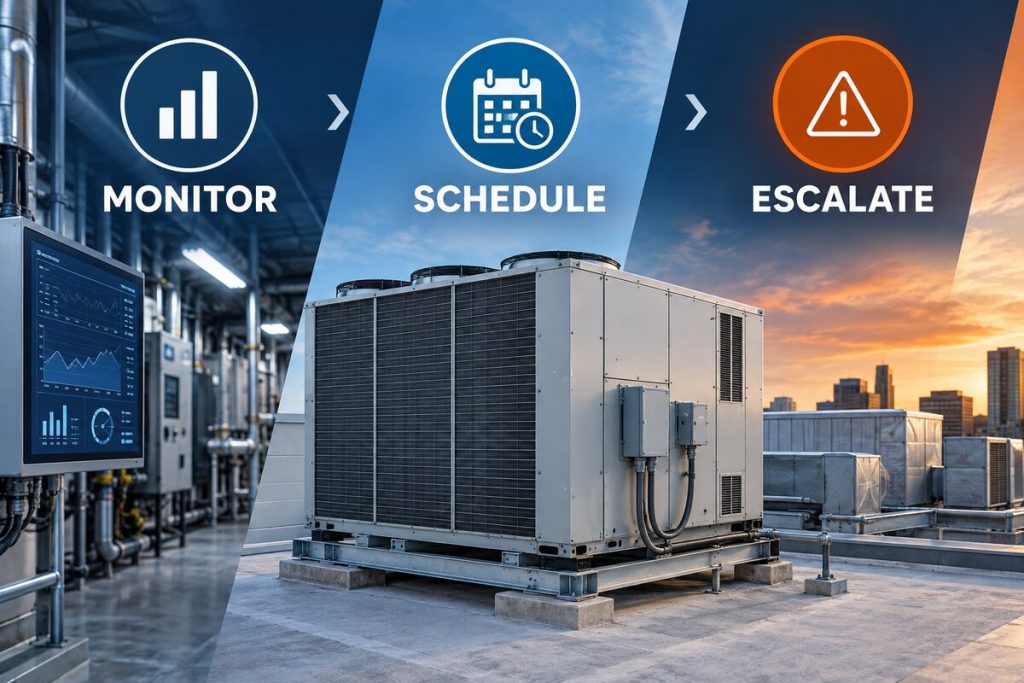
- Call for service if the temperature continues rising. A technician should inspect the system before a partial failure becomes a shutdown. If inventory is already at risk, request emergency commercial refrigeration service.
The USDA advises keeping refrigerated foods at 40°F or below and limiting the time perishables spend without refrigeration. Commercial food establishments should follow their applicable food code and approved operating procedures rather than relying on a single general rule.
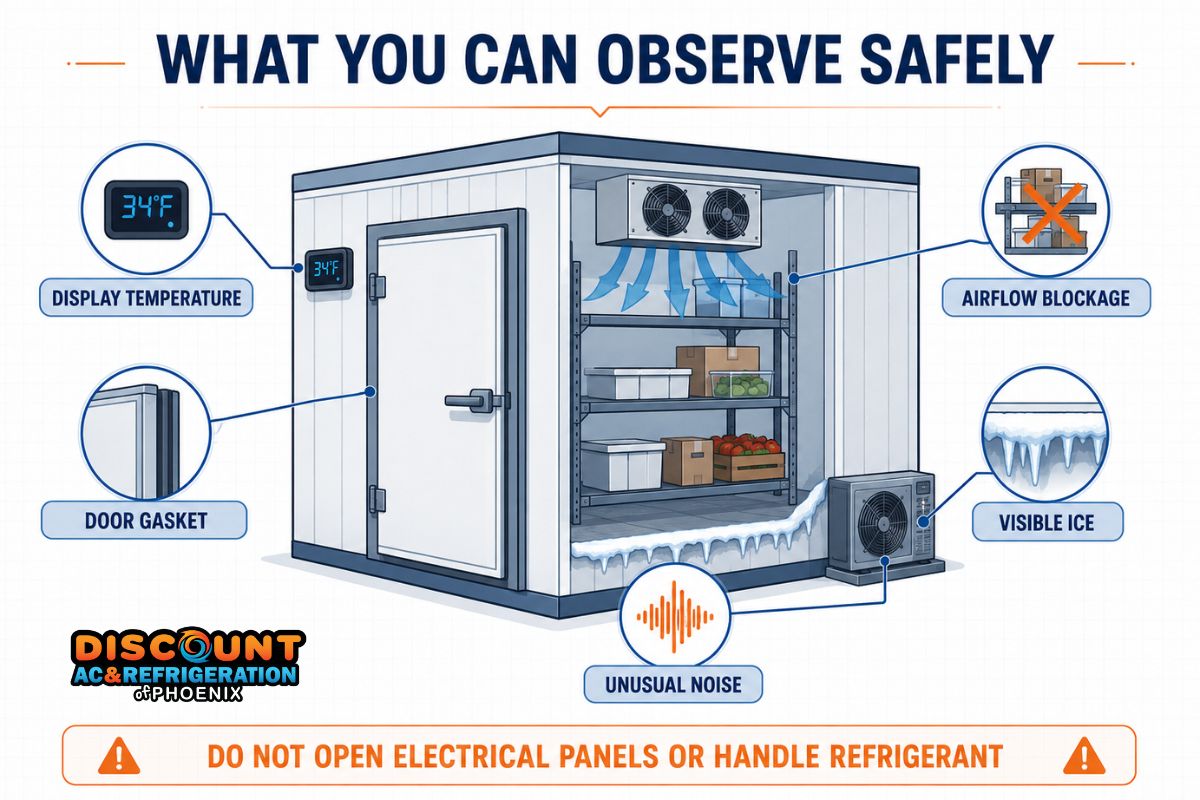
Safe Checks Employees Can Perform
The following observations do not require opening electrical cabinets, using gauges, or touching moving equipment. Stop immediately if any step would place you near exposed wiring, a moving fan, a hot component, or an icy walking surface.
1. Compare the controller with an independent thermometer
A large difference may indicate a sensor, calibration, placement, or airflow issue. Record both readings for the technician. Do not change multiple controller settings in an attempt to force the cooler colder; those changes can complicate diagnosis and may create additional frost.
2. Inspect the door and gasket
Confirm that boxes, shelving, floor mats, or ice are not preventing the door from closing. Look for visible tears, gaps, hardened gasket sections, loose hinges, or a damaged closer. Warm air entering through the doorway adds heat and moisture each time the refrigeration system runs.
3. Look for blocked airflow
Inventory should not be packed directly against the evaporator or block its air discharge and return paths. Without entering an unsafe area or moving heavy loads, look for boxes stacked too high or pushed against the fan section.
4. Observe visible ice or water
Note where the ice begins and take a photo. Do not chip ice from an evaporator coil with a knife, screwdriver, heat gun, or open flame. Sharp tools can puncture tubing, while rapid heating can damage components and create water near electrical equipment.
If moisture is appearing around the door, ceiling, or floor, review our guide to condensation in commercial refrigeration equipment.
5. Check for an obvious power interruption
Confirm whether the controller and interior lights have power. Staff may also verify whether the building has experienced a broader outage. Do not remove electrical panels or repeatedly reset a breaker. A breaker that trips again may be responding to an electrical fault and requires professional testing.
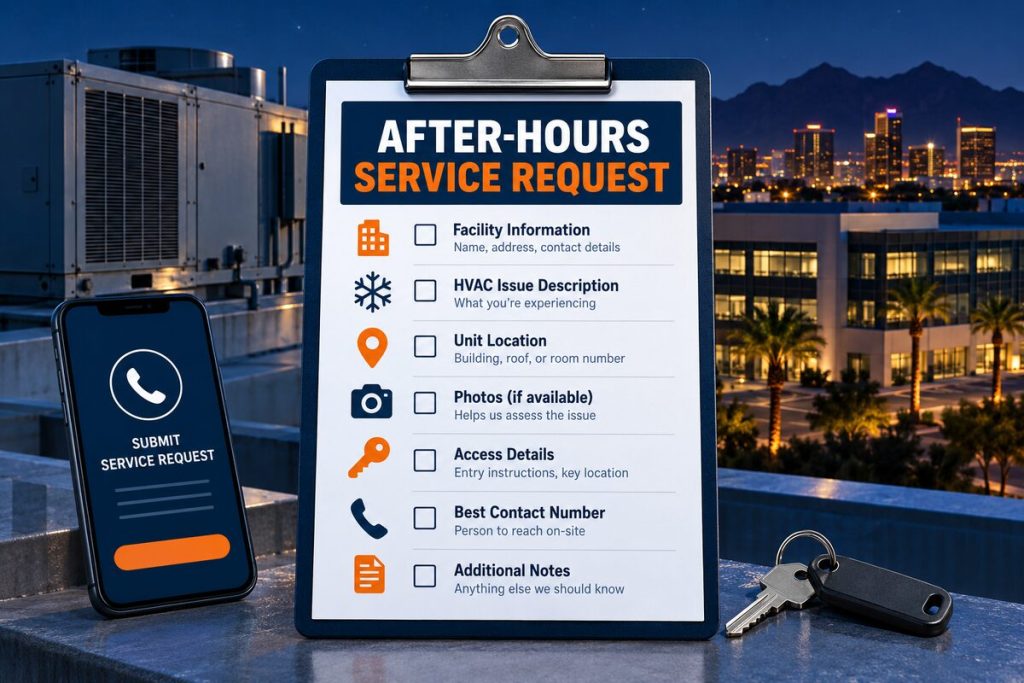
Information that helps the technician: current and normal temperature, when the issue began, recent deliveries, unusual noises, visible ice location, water location, controller alarms, recent maintenance, and whether the problem has happened before.
Common Reasons a Walk-In Cooler Stops Cooling
| Possible cause | What staff may observe | Safe response | Professional work needed |
|---|---|---|---|
| Door or gasket problem | Door gap, torn gasket, condensation, warm area near entrance | Remove visible obstructions and limit door openings | Door alignment, hinge, closer, sweep, or gasket repair |
| Restricted airflow | Uneven temperatures, weak airflow, products stacked near evaporator | Keep approved clearance around air paths | Fan, motor, coil, control, and airflow diagnosis |
| Dirty condenser | Long runtimes, high temperature, unusually hot equipment area | Keep the surrounding area clear without removing guards | Condenser cleaning and operating-pressure verification |
| Evaporator icing | Visible frost, reduced airflow, water after partial thawing | Do not chip or heat the ice | Defrost, fan, drain, sensor, refrigerant, and control testing |
| Refrigerant leak | Gradual loss of cooling, unusual ice pattern, hissing, oily residue | Avoid contact and ventilate the area if necessary | Leak detection, repair, evacuation, and correct charging |
| Compressor or electrical failure | Buzzing, clicking, hot odor, unit will not start, breaker trips | Stop troubleshooting and keep clear | Electrical diagnosis and compressor evaluation |
Dirty or obstructed condenser
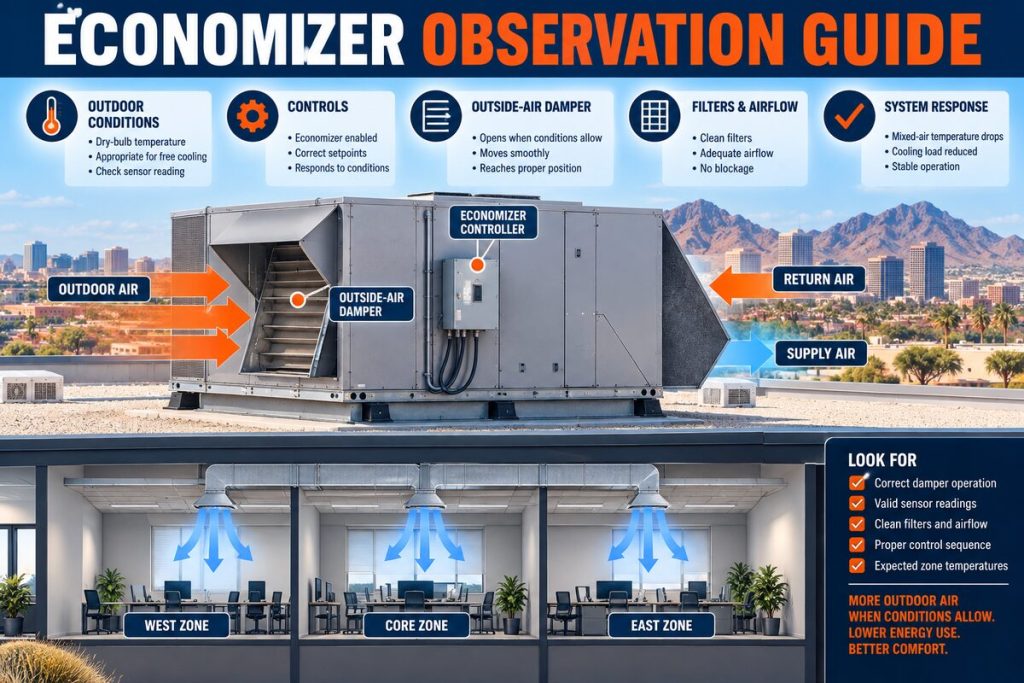
The condenser releases heat collected inside the cooler. Grease, dust, debris, poor ventilation, or high ambient temperature can reduce its ability to reject that heat. Phoenix summer conditions make a developing condenser problem more noticeable because the equipment already operates under a heavy load.
Defrost-system or evaporator problem
Ice across the evaporator can restrict airflow even while the fans continue running. Possible causes include a defrost control problem, failed heater, sensor issue, fan malfunction, clogged drain, door infiltration, or a refrigeration fault. Visible ice tells the technician where to begin; it does not identify the cause by itself.
Low refrigerant or a refrigerant leak
A system does not consume refrigerant during normal operation. Adding refrigerant without finding the leak leaves the underlying problem unresolved. Professional commercial refrigerant leak detection may involve electronic instruments, pressure testing, and inspection of valves, coils, fittings, and line connections.
Compressor, capacitor, contactor, or control failure
Clicking, buzzing, failed starts, short cycling, and repeated breaker trips can indicate an electrical or compressor-related fault. These conditions require electrical measurements and refrigeration-system testing. If diagnosis confirms internal compressor failure, the technician can determine whether commercial compressor replacement is appropriate for the equipment.
Sensor or controller error
The displayed reading may be incorrect if the sensor has shifted, become damaged, or lost calibration. A controller can also receive accurate information but fail to operate another component correctly. Changing setpoints repeatedly rarely resolves the underlying fault.
When to Stop Troubleshooting
Stop employee troubleshooting and call a technician when you notice:
- A burning smell, smoke, sparks, melted insulation, or hot wiring.
- A breaker that trips again after being reset.
- Exposed electrical parts or damaged cables.
- Heavy ice on the evaporator, fans, refrigerant lines, or floor.
- A hissing sound, oily residue, or suspected refrigerant leak.
- A fan that is not turning or is striking ice or another object.
- Grinding, repeated clicking, or loud compressor noises.
- Water close to electrical equipment.
- A temperature that keeps rising after door access is restricted.
- Inventory approaching or exceeding its permitted holding temperature.
Do not open panels, bypass switches, force contactors, handle refrigerant, install temporary wiring, or chip ice from the coil.
What a Refrigeration Technician Will Diagnose
A proper service visit goes beyond checking the thermostat. The technician may inspect temperature split, airflow, condenser condition, evaporator condition, fan operation, defrost controls, sensor accuracy, electrical components, refrigerant pressures, superheat, subcooling, drains, door infiltration, and compressor performance.
The symptoms and repair options are discussed in greater detail in our walk-in cooler repair guide for Phoenix businesses. Businesses operating several types of cold-storage equipment can also review our complete commercial refrigeration services.
If part of the inventory must be transferred temporarily, properly operating reach-in coolers and display cases may support the business’s backup plan. Their temperatures and available capacity should be verified before any product is moved.
Reducing the Risk of Another Cooling Failure
Temperature logs and routine visual inspections often reveal changes before a complete breakdown. Managers should establish clear limits for door-open time, maintain space around evaporator airflow paths, inspect door gaskets, keep exterior equipment areas free of storage, and arrange scheduled refrigeration maintenance.
Staff should also know who receives temperature alarms and what action to take when the business is closed. An alarm has limited value if no one documents the reading, checks inventory, and contacts an authorized service provider.
Discount AC & Refrigeration of Phoenix serves restaurants, grocery stores, commercial kitchens, retailers, and other businesses across Phoenix, Queen Creek, and surrounding Valley communities. Our commercial team can diagnose the cause of lost cooling and explain the condition of the equipment before repair decisions are made.
Frequently Asked Questions
Why is my walk-in cooler running but not getting cold?
Possible causes include blocked airflow, an iced evaporator, dirty condenser, fan failure, control problems, low refrigerant, a refrigerant leak, or reduced compressor capacity. Because several faults produce similar symptoms, operating pressures, temperatures, airflow, and electrical components must be tested before identifying the cause.
What temperature should a walk-in cooler maintain?
Many walk-in coolers operate around 34°F to 38°F. The correct setpoint depends on the products, equipment design, operating conditions, and applicable regulations. Time/temperature control for safety foods generally require cold holding at 41°F or below under the FDA Food Code, but businesses must follow local requirements and their approved food-safety procedures.
Can employees reset a walk-in cooler breaker?
Only follow the business’s approved electrical procedure. Never repeatedly reset a breaker. If it trips again, there may be a short circuit, grounded component, seized motor, compressor problem, or overloaded circuit. Leave the breaker off and request qualified electrical or refrigeration service.
Should we turn the thermostat lower when the cooler is warm?
Lowering the setpoint usually does not correct an airflow, refrigeration, defrost, or electrical problem. It may cause the system to run continuously or complicate diagnosis. Record the original setting and temperature readings, restrict door access, protect inventory, and arrange service if the temperature does not recover.
Can we remove ice from the evaporator ourselves?
Do not use knives, screwdrivers, heat guns, torches, or other tools on the coil. These methods can puncture refrigerant tubing, damage fins, create water near electrical parts, or injure employees. Heavy or recurring ice requires diagnosis of the defrost system, airflow, drainage, controls, door infiltration, and refrigerant circuit.
How can we protect food while waiting for a technician?
Keep the door closed, record air and product temperatures, follow your food-safety plan, and move affected products to verified refrigerated storage when required. Label and separate inventory involved in a temperature excursion. A manager or food-safety authority should make disposition decisions based on documented time and temperature data.
Does a warm walk-in cooler always mean the compressor failed?
No. Door infiltration, airflow restriction, dirty coils, fan problems, control errors, defrost failures, and refrigerant leaks can all reduce cooling. Compressor replacement should only be considered after electrical and refrigeration tests confirm the compressor is the source of the failure.
Walk-In Cooler Temperature Still Rising?
Protect your inventory and avoid unsafe repair attempts. Schedule a commercial refrigeration diagnosis with Discount AC & Refrigeration of Phoenix.
Request Walk-In Cooler ServiceCall (602) 889-1367