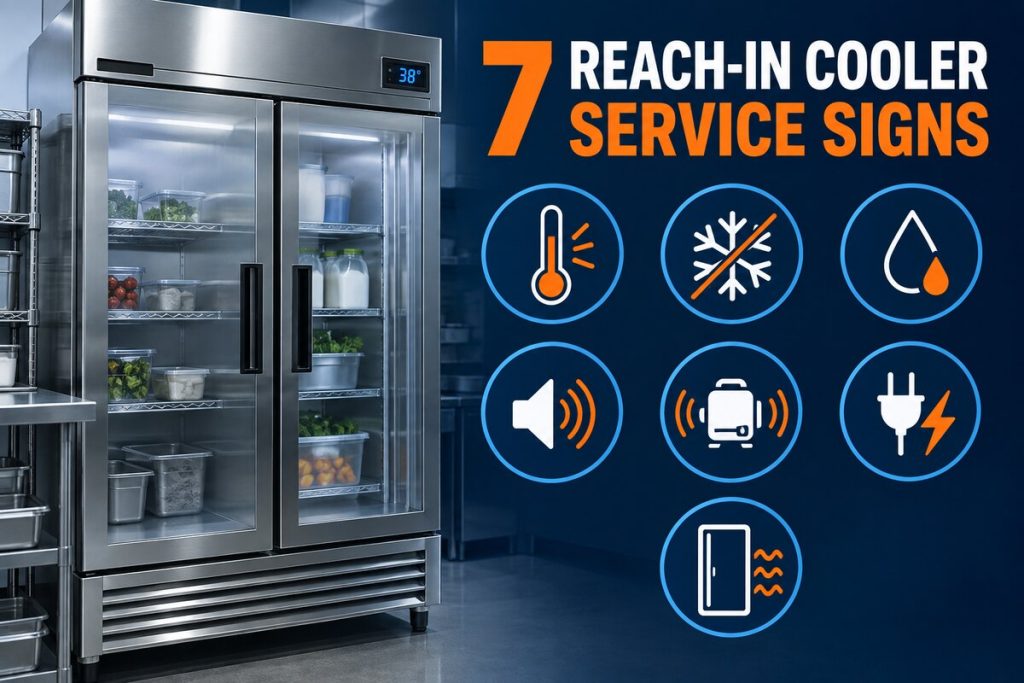


Service-call preparation guide for Phoenix restaurants, retailers, facilities and foodservice teams.
When you need walk in refrigerator repair Phoenix service, the information available before the technician arrives can shorten the diagnostic path and help your team protect inventory. Useful details include the equipment model, current temperature, when the problem began, unusual sounds, frost or water patterns, alarm history, access conditions, and previous repairs.
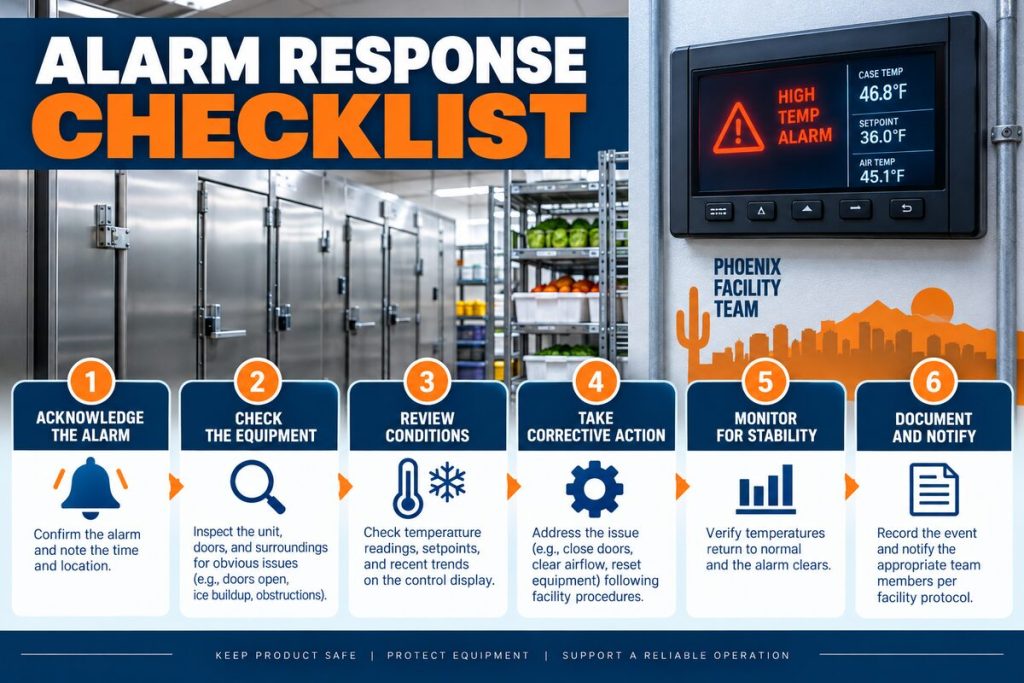
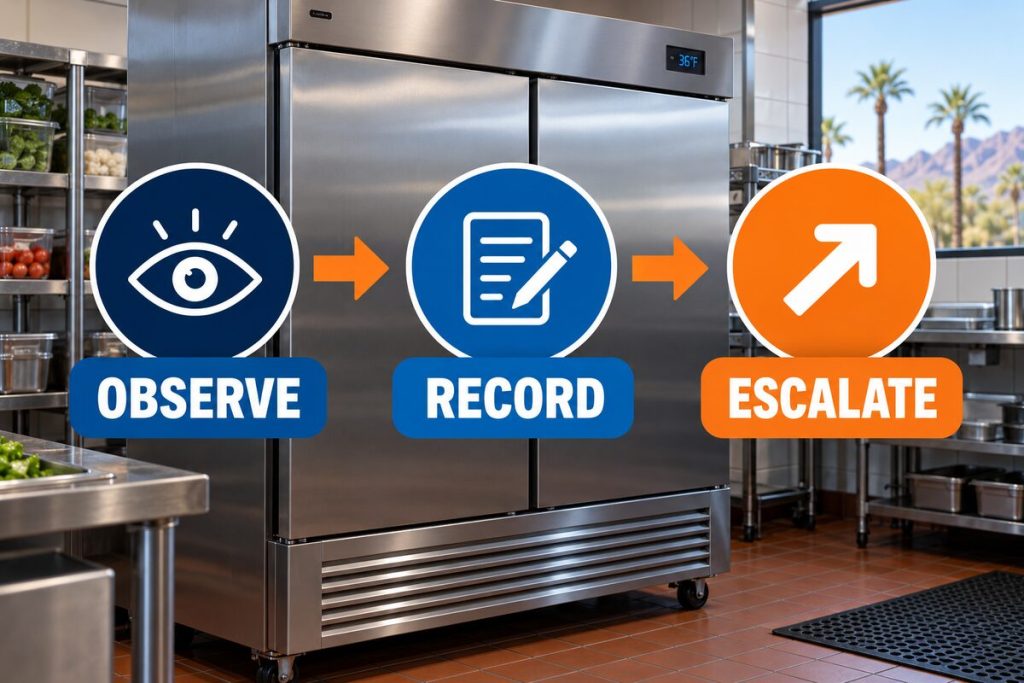
This guide provides a practical call-preparation checklist without asking employees to open electrical panels, connect gauges, disassemble equipment, or handle refrigerant. The safest preparation focuses on observations, records, inventory procedures, and clear access.

Walk-In Refrigerator Repair Phoenix Call Checklist
| Information to collect | Helpful detail | Why it helps |
|---|---|---|
| Equipment identification | Manufacturer, model, serial and controller type | Supports parts and technical-information review |
| Temperature information | Current display, recent log, product concerns and setpoint | Shows severity, timing and operating trend |
| Timeline | When symptoms began and what happened beforehand | Connects the failure to deliveries, cleaning or prior work |
| Visible and audible clues | Noise, frost, water, oil traces, fan behavior and alarms | Helps prioritize likely system areas |
| Inventory response | Facility food-safety plan and alternate storage status | Keeps product decisions separate from equipment diagnosis |
| Site access and history | Keys, roof or exterior access, parking and prior invoices | Reduces preventable delays after arrival |
1. Identify the Walk-In Refrigerator
Locate the manufacturer, model and serial number on equipment labels that are visible without removing covers. A walk-in may have separate identification for the evaporator, condensing unit and control. Photographing accessible labels can prevent transcription errors.
Do not enter restricted roof areas, climb without approved procedures, or remove panels to find a label. If identification is inaccessible, tell the dispatcher where each component is located and share any prior invoice that lists the model.
2. Record the Current Temperature and Recent Trend
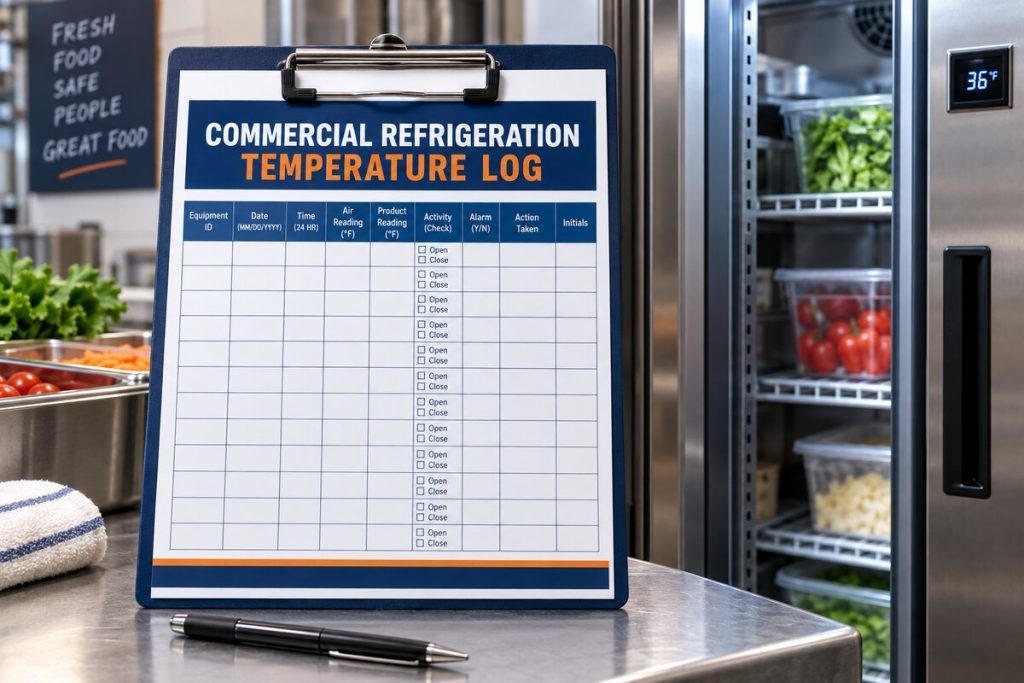
Write down the displayed temperature and the time you observed it. If your operation maintains a temperature log, have the recent entries ready. Note whether the reading rises steadily, changes after deliveries, recovers overnight, or differs from another approved thermometer.
The control display measures air at a specific sensor location; it is not automatically the same as product temperature. Follow your facility’s food-safety plan for inventory decisions. Our guide to walk-in cooler temperature fluctuation explains why the timeline matters.
3. Explain When the Problem Began
A useful timeline includes the last time the cooler operated normally, the first unusual reading or alarm, and whether the condition is constant or intermittent. Tell the service company about recent deliveries, unusually heavy door traffic, power interruptions, cleaning, construction, equipment movement, or changes to the setpoint.
A cooler that warmed after a large delivery presents a different diagnostic context than one that lost capacity gradually over several weeks. Avoid repeatedly changing controls before the visit because the original settings and event history can help diagnosis.
4. Describe Noises Without Opening Equipment
Record whether the sound is buzzing, rattling, squealing, scraping, clicking, hissing, or banging and whether it comes from inside the box, the condensing unit, the door, or another area. A short recording made from a safe location can help if the noise is intermittent.
Do not reach through fan guards, press on moving panels, open an electrical enclosure, or continue operating equipment that presents smoke, burning odor, exposed wiring, severe vibration, or another obvious hazard. Our walk-in cooler noise guide organizes common sound patterns.
5. Note Frost and Ice Location
Tell the dispatcher exactly where frost appears: at the evaporator face, near the refrigerant lines, around the door, below the drain pan, on the ceiling, or on the floor. Note whether it is light frost, a thick block, isolated buildup, or ice that returns after melting.
Do not chip ice with knives, screwdrivers or other sharp tools, and do not use an open flame or uncontrolled heat. Coil and drain damage can create refrigerant release, water and electrical risks. See where walk-in cooler ice forms for safe observation guidance.
6. Report Water and Condensation Patterns
Water location can distinguish a blocked drain from melting evaporator ice, door infiltration, sweating surfaces, plumbing above the box, or floor and panel concerns. Record whether water appears inside, under the evaporator, near the threshold, around wall seams, or outside the cooler.
Keep staff away from slippery areas and protect inventory using your established procedures. The article on walk-in cooler water leaks explains the main patterns a technician may investigate.
7. Observe Door Closure and Airflow
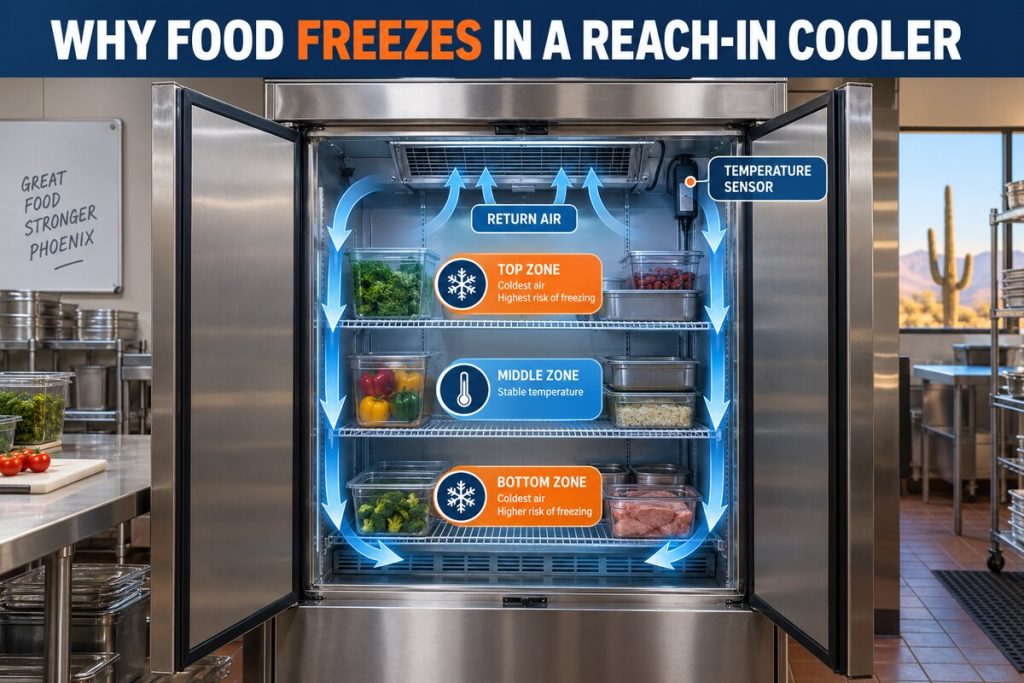
Confirm that cartons, floor mats or ice are not physically holding the door open. Note whether the door closes by itself, rebounds, drags, or leaves a visible gap. Condensation or frost concentrated near one corner may point toward uneven contact rather than a uniformly damaged gasket.
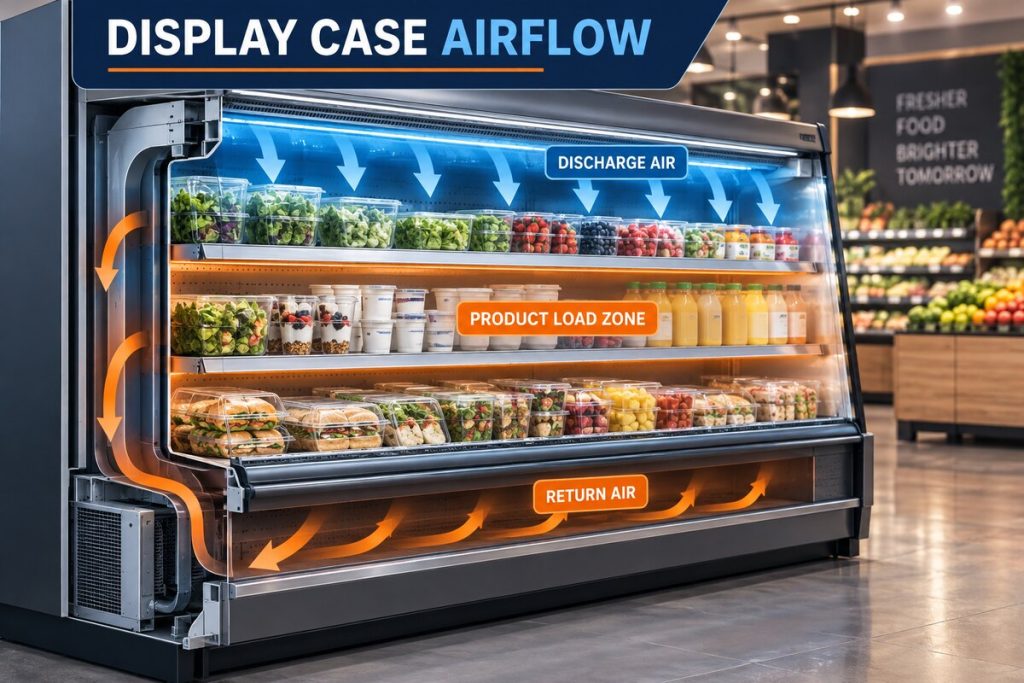
Inside the cooler, keep product clear of established supply and return paths. Do not remove fan guards or touch moving blades. If airflow feels noticeably weaker in one area, include that observation. Related resources include our door gasket guide and evaporator fan guide.
8. Prepare the Inventory Plan
Equipment repair and product safety are connected but separate decisions. Before the service visit, identify who has authority to evaluate inventory, what temperature records are available, and whether approved alternate cold storage exists. Follow applicable food-safety rules and your organization’s written plan.
A refrigeration technician diagnoses and repairs equipment; the technician may not be the person responsible for deciding whether a specific product can be used. Clear internal roles prevent confusion while the cooler is being evaluated.
9. Arrange Safe Equipment Access
Make sure the technician can reach the walk-in, evaporator, control, disconnect location, condensing unit and any relevant drain termination. Clear ordinary stored items from access paths, secure pets or restricted areas where applicable, and tell the dispatcher about gates, loading zones, parking limits, roof-access requirements, ladders controlled by the facility, or building-management authorization.
Do not climb onto a roof or move heavy equipment simply to prepare. Communicate the access condition so the service company can plan the visit safely.
10. Gather Prior Repair and Maintenance Records
Previous invoices can reveal recurring components, refrigerant additions, control changes, compressor work, leak repairs, coil cleaning and recommended follow-up. Tell the technician if another company recently changed a setpoint, sensor, fan motor, contactor, expansion device, compressor or refrigerant charge.
Patterns across multiple visits are often more useful than one isolated reading. The value of documentation is discussed in our walk-in cooler preventive maintenance guide.
What the Technician May Check
Depending on the complaint, professional diagnosis may include temperature verification, controls and sensors, evaporator and condenser airflow, fans, coils, door infiltration, drains, defrost operation, qualified electrical testing, compressor behavior and refrigerant-system measurements. A symptom should not be assigned to one component until competing causes are considered.
If capacity loss suggests a sealed-system concern, read our refrigerant leak guide. If the compressor is suspected, our compressor diagnosis guide explains why testing comes before replacement.
Information to Give the Dispatcher
- Business name, Phoenix-area service address and best onsite contact.
- Type of equipment and accessible model information.
- Current temperature, normal temperature and recent trend.
- When the symptom began and whether it is worsening.
- Visible frost, water, oil residue, alarms or unusual sounds.
- Whether fans appear to run and whether airflow changed.
- Previous repair or refrigerant-addition history.
- Any electrical, smoke, water or access hazard already identified.
- Inventory status and whether the cooler is still being used.
- Roof, gate, parking, loading-zone or building-access details.
What Not to Do Before the Service Call
- Do not open electrical panels or bypass controls and safeties.
- Do not attach refrigerant gauges or loosen service fittings.
- Do not reset a breaker that repeatedly trips.
- Do not chip ice or use a flame to melt it.
- Do not keep changing the thermostat in search of a temporary response.
- Do not block evaporator airflow with relocated inventory.
- Do not erase alarm history or discard previous service paperwork.
For system and service options, visit our commercial refrigeration page, walk-in cooler and freezer service page, or emergency refrigeration page.
Request Walk-In Refrigerator Repair in Phoenix
Discount AC & Refrigeration of Phoenix diagnoses walk-in temperature, airflow, door, drain, control, electrical, compressor and refrigerant-system problems. Having the equipment details and symptom timeline ready helps our team begin with useful context.
Frequently Asked Questions
What information should I provide for walk in refrigerator repair Phoenix service?
Provide the model information, current and normal temperatures, symptom timeline, noises, frost or water location, prior repairs, inventory status and access details.
Should I lower the thermostat before the technician arrives?
Repeated setpoint changes can make the operating history harder to interpret. Record the current setting and follow directions from the service provider.
Can I remove ice from the evaporator?
Do not chip ice or apply flame. Record its location and ask the service company for safe preparation guidance.
Why does the model number matter?
It helps identify the equipment configuration, technical information and possible replacement components.
Should I move all inventory?
Follow your facility’s food-safety and alternate-storage plan. The decision depends on temperatures, product and operating procedures.
Are sound recordings useful?
A brief recording from a safe location may help document an intermittent noise, but never approach exposed wiring or moving parts to capture it.
What access may a technician need?
Access may be needed to the cooler interior, evaporator, control, condensing unit, disconnect area and drain termination.
Can a dirty condenser look like a refrigerant problem?
Yes. Restricted heat rejection can reduce performance and increase run time, which is why diagnosis evaluates the whole system.
What if the breaker keeps tripping?
Do not continue resetting it. Leave electrical diagnosis to qualified personnel and tell the dispatcher about the repeated trip.
Where can I request service?
Call Discount AC & Refrigeration of Phoenix at (602) 889-1367 or use the company contact page.
A Better Service Call Starts With Better Information
Preparing for walk in refrigerator repair Phoenix service does not require technical disassembly. Record what changed, protect inventory through established procedures, gather equipment and repair history, and provide safe access. These steps give the technician a clearer starting point while preserving the evidence needed for accurate diagnosis. Explore additional resources in our commercial refrigeration blog.