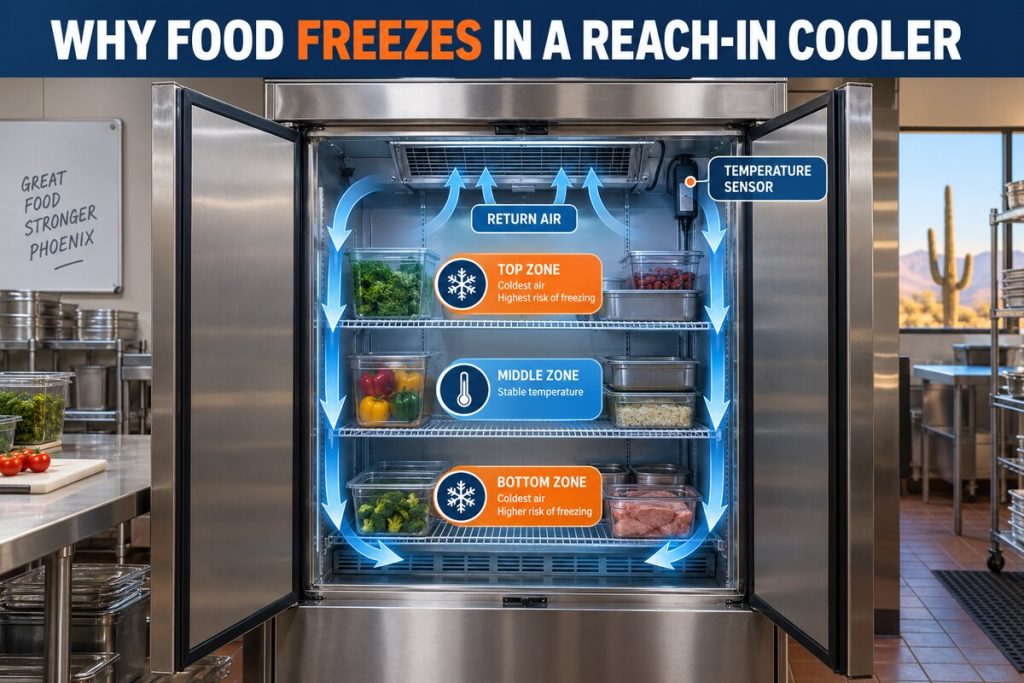


A walk in cooler evaporator fan not working can cause warm sections, weak airflow, localized frost, and temperature readings that do not represent conditions throughout the cooler. Because the fan circulates cold air across the evaporator coil and around stored products, even one failed fan can disrupt cooling before the entire system stops operating.
A stationary fan does not automatically mean the fan motor has failed. The fan may be affected by ice, a control sequence, a door switch, wiring, a capacitor on applicable equipment, or another refrigeration problem. Identifying the actual cause requires a professional diagnostic process—not reaching through the guard or attempting electrical tests.
Phoenix businesses should respond promptly because high outdoor temperatures place additional demand on commercial refrigeration equipment. If product temperature is rising or food safety may be affected, protect the inventory and request professional walk-in cooler repair in Phoenix.
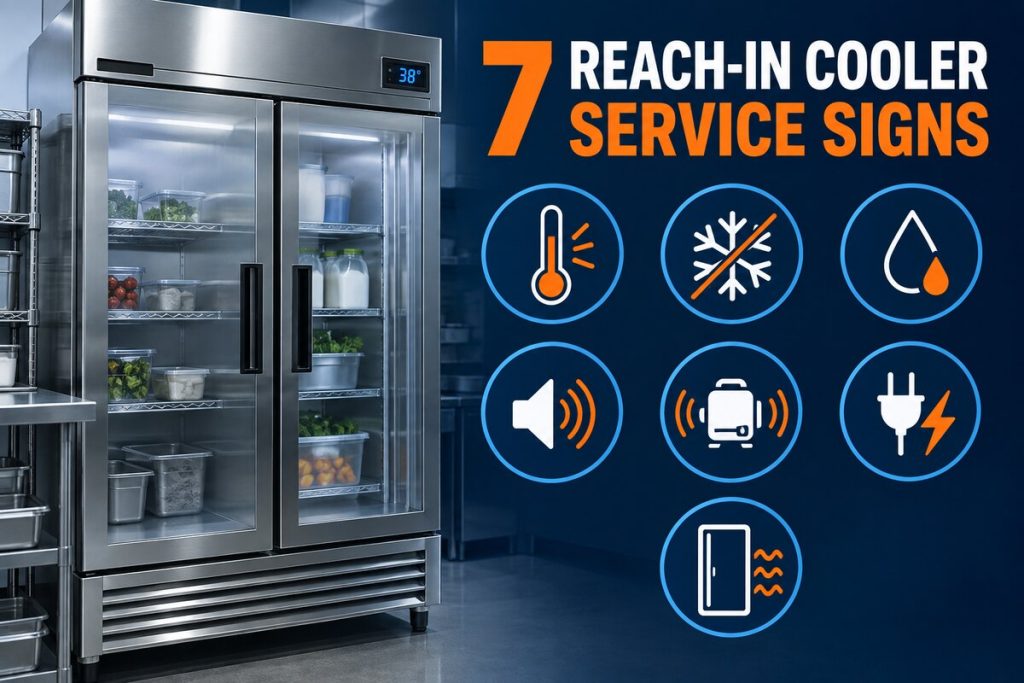
Common Signs of an Evaporator Fan Problem
Depending on the evaporator design, a walk-in cooler may have one or several fans. If only one fan stops, the system may continue cooling while developing inconsistent conditions. This can make the problem less obvious during its early stages.
Uneven temperatures inside the cooler
Products near the operating fan may remain cold while items in another section begin warming. The controller can still display an acceptable reading if its sensor is located in a colder part of the box. Compare readings from established monitoring points instead of relying only on the controller display.
Door traffic, recent deliveries, product loading, sensor location, and defrost cycles can also affect readings. Our guide to walk-in cooler temperature fluctuations explains how these patterns differ from a persistent airflow problem.
Weak or missing airflow
From a safe distance, staff may notice that air movement is much weaker below one section of the evaporator. Paper, plastic curtains, and lightweight packaging may no longer move as they normally do. Never place a hand, tool, or object through the fan guard to confirm whether the blades are moving.
Localized frost or ice
Ice may appear around one fan, across part of the coil, or along the evaporator housing. This can happen when airflow is insufficient, but frost can also be related to moisture infiltration, drainage, or defrost operation.
Do not chip the ice with a knife, screwdriver, or other sharp tool. These tools can puncture the coil or damage the drain pan. Review the warning signs in our guide about a walk-in cooler icing up.
Longer operating cycles
The refrigeration system may run longer as it attempts to remove heat without normal air circulation. Longer cycles do not prove that the evaporator motor has failed; dirty coils, door leakage, heavy product loads, refrigerant problems, and compressor issues can also increase runtime.
Noise followed by silence
A motor may squeal, grind, buzz, or rattle before it stops. However, a noise near the evaporator could come from ice contacting a blade, a loose guard, a panel, or another component. Record the sound and its location for the technician without removing any panels.
Symptoms, Possible Explanations, and Safe Responses
| Observed condition | Possible explanation | Safe response | Urgency |
|---|---|---|---|
| One area is warmer than the rest | Reduced circulation, blocked airflow, fan issue, sensor location, or product arrangement | Record temperatures at approved monitoring points and verify that products are not blocking the evaporator | Schedule service if the pattern persists |
| No noticeable airflow below one fan | Stationary fan, motor problem, control condition, ice obstruction, or door-switch operation | Observe from outside the guard and document which fan appears affected | Prompt professional inspection |
| Frost concentrated around one fan | Airflow restriction, stopped blade, moisture infiltration, or defrost-related condition | Do not remove ice or use sharp tools; keep the door closed as much as possible | Prompt service, especially if frost is expanding |
| All fans appear stopped briefly | Normal defrost sequence, door switch, controller sequence, power issue, or control failure | Note the time, controller display, duration, and whether operation resumes | Service if fans do not resume or temperature rises |
| Fan makes grinding or squealing sounds | Motor bearing wear, ice contact, loose component, or blade damage | Keep clear of the evaporator and arrange an inspection | High if accompanied by rising temperature |
| Product temperatures are rising | Insufficient airflow or a larger refrigeration failure | Follow the facility’s food-safety and inventory-protection plan | Urgent |
Why the Fan May Not Be Running
Fan motor or bearing failure
A worn or overheated motor may run intermittently, make unusual sounds, rotate slowly, or stop completely. A technician must determine whether the motor is receiving the correct electrical input and whether the blade and assembly can operate normally.
Ice blocking the fan blade
Ice can restrict the blade even when the motor and controls are functional. Simply removing visible ice would not resolve the moisture, defrost, drainage, or airflow condition that allowed it to form.
Defrost cycle or defrost malfunction
Many systems temporarily stop evaporator fans during defrost and delay their restart until the coil reaches an appropriate condition. A brief shutdown may therefore be normal. Fans that remain off, repeat abnormal shutdowns, or fail to restart require diagnosis of the controller, sensors, relays, termination controls, and related components.
Door switch or control issue
Some evaporator fans stop when the cooler door opens. A damaged, misaligned, or stuck switch can keep them off after the door closes. Other systems use different control strategies, so staff should not bypass the switch to test the fan.
Electrical or communication problem
Wiring, relays, contactors, controller outputs, connections, or protective devices may interrupt fan operation. These components can present shock, arc, and equipment-damage hazards. Electrical diagnosis belongs to a qualified refrigeration technician.
Airflow obstruction
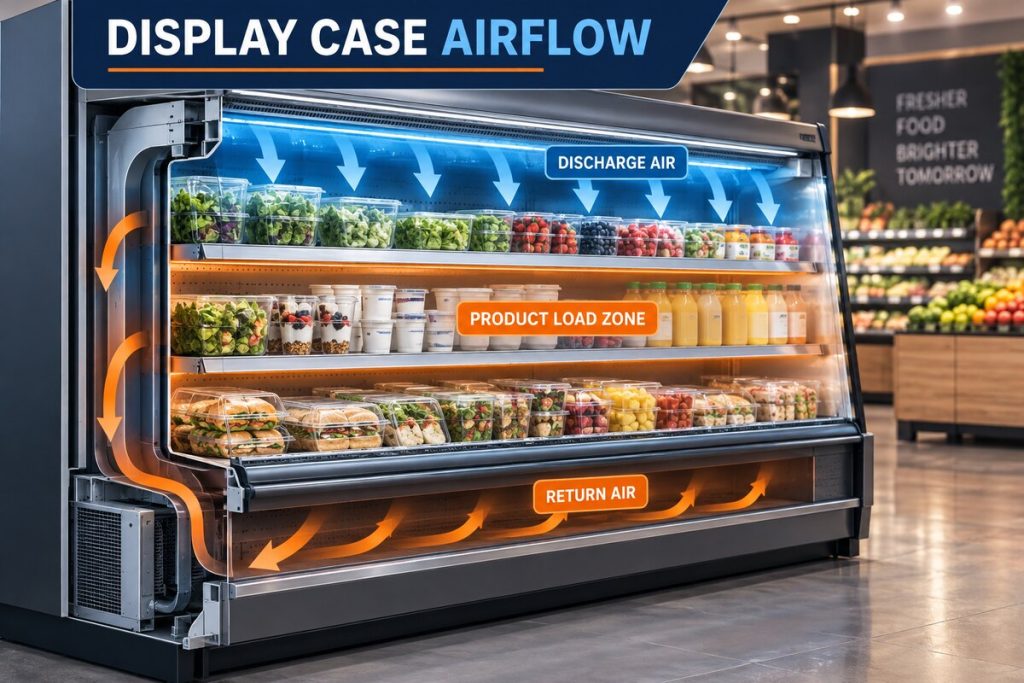
Boxes stacked too close to the evaporator can restrict air entering or leaving the unit. This may resemble a fan failure and can contribute to uneven temperatures. Maintain the equipment manufacturer’s required clearances rather than guessing a universal distance.

Safe Next Steps for Restaurant and Facility Staff
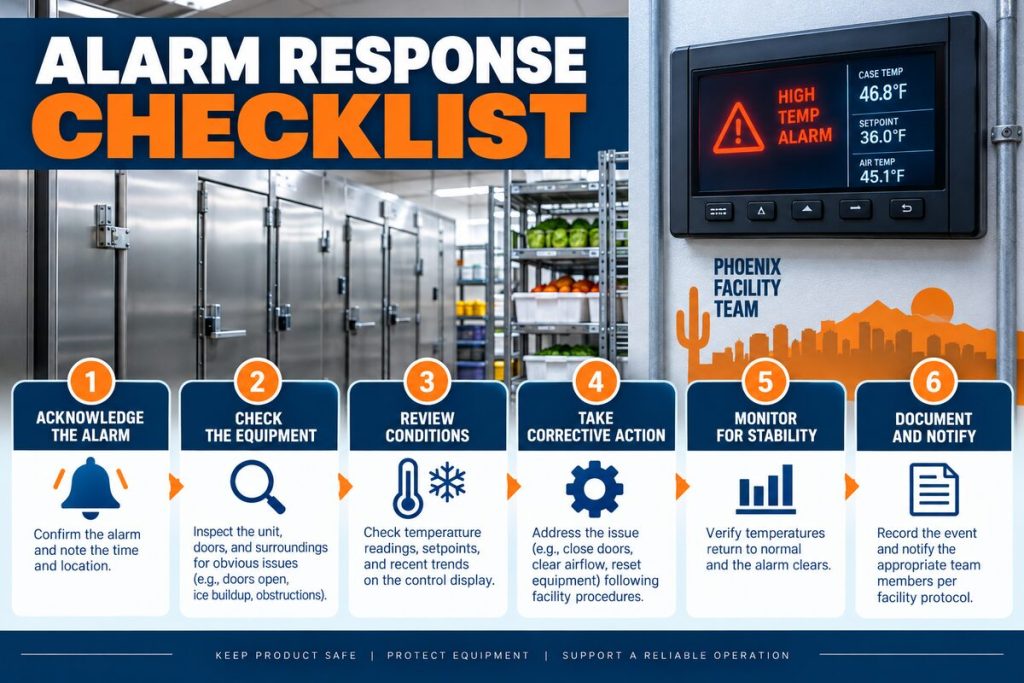
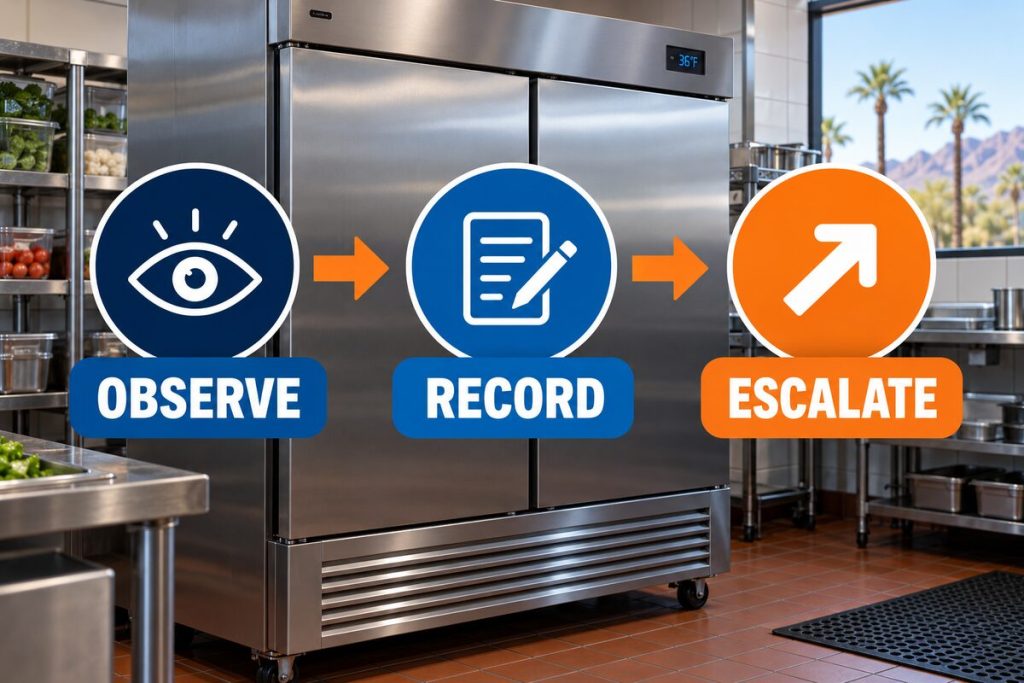
- Check documented temperatures. Review the controller and approved independent thermometers. Record the location, reading, and time.
- Protect temperature-sensitive inventory. Follow your food-safety plan and applicable holding requirements. Move products only to verified refrigeration equipment.
- Limit door openings. Avoid adding unnecessary heat and moisture while the condition is being evaluated.
- Observe the evaporator from a distance. Note which fans appear to be operating, where frost is forming, and whether abnormal sounds are present.
- Check product placement. Confirm that boxes or shelving are not visibly blocking air entering or leaving the evaporator.
- Document the operating pattern. Note whether the fans stopped during a possible defrost period and whether they restarted.
- Request professional service. Share the temperature log, frost location, sounds, controller information, and recent operating changes with the technician.
When the Situation Requires Urgent Service
Request urgent emergency refrigeration service when:
- Product temperatures are rising toward unsafe limits.
- Several evaporator fans have stopped.
- The controller displays an alarm or error.
- Frost is expanding rapidly across the evaporator.
- Water is collecting near products or electrical equipment.
- There is a burning smell, smoke, sparking, or repeated electrical interruption.
- The cooler is no longer maintaining its established temperature range.
For general temperature-monitoring guidance, review the recommended walk-in cooler temperature range. Food disposition decisions should always follow the business’s approved food-safety procedures and applicable regulatory guidance.
What Information Helps the Technician?
Clear observations can shorten the diagnostic process without requiring unsafe troubleshooting. Before the appointment, prepare:
- The current controller reading and independent temperature readings
- The times and locations where temperatures were recorded
- Which fan appears stationary or has weak airflow
- The location and extent of visible frost
- Any grinding, squealing, buzzing, or rattling sounds
- Whether the condition began after a delivery, cleaning, outage, or defrost cycle
- Equipment model and serial information, if safely accessible
- Recent maintenance and repair history
The technician can then inspect the fan assembly, controls, defrost operation, coil condition, drainage, sensors, electrical components, and overall refrigeration performance. If broader compressor-like symptoms are present, diagnosis should occur before replacement decisions. Learn more about the company’s commercial refrigeration services.
Preventing Evaporator Airflow Problems
Routine housekeeping and professional maintenance can help identify developing problems before they produce major temperature changes.
- Keep products clear of evaporator air paths.
- Train staff to report unusual sounds, frost, or warm sections.
- Maintain consistent temperature logs.
- Inspect door gaskets and door-closing behavior.
- Keep drains and accessible floor areas clean.
- Schedule professional inspection of fans, coils, controls, and defrost operation.
Exterior heat rejection also affects the refrigeration system. Review why professional walk-in cooler condenser coil cleaning matters in Phoenix’s dusty conditions.
Businesses planning ongoing service can also explore the company’s walk-in cooler and freezer services, reach-in cooler services, and main refrigeration resource center.
Need Your Walk-In Cooler Evaporator Fan Inspected?
Discount AC & Refrigeration of Phoenix can diagnose uneven temperatures, weak airflow, frost buildup, abnormal fan sounds, and related commercial refrigeration problems.
Call (602) 889-1367Frequently Asked Questions
How can I tell if my walk-in cooler evaporator fan is not working?
Common signs include weak airflow, a visibly stationary fan behind the guard, warmer sections of the cooler, localized frost, unusual sounds, and longer refrigeration cycles. These symptoms require diagnosis because several other conditions can resemble fan failure.
Can a walk-in cooler operate with one evaporator fan stopped?
It may continue producing some cooling, especially if other fans are operating, but air distribution can become uneven. Product temperatures may rise in certain areas even when the controller still shows an acceptable reading.
Why do all the evaporator fans stop during defrost?
Many systems stop the fans during defrost to avoid circulating heat and moisture. A fan-delay control may keep them off briefly after defrost. If they do not restart or temperature continues rising, arrange professional service.
Can ice stop an evaporator fan from turning?
Yes. Ice can obstruct the blade or surround the fan opening. The underlying reason may involve airflow, moisture infiltration, drainage, controls, or defrost operation and should be professionally diagnosed.
Should I spin the evaporator fan blade by hand?
No. The fan can restart unexpectedly, and reaching through or removing the guard creates an injury risk. Manual movement can also damage the blade or motor assembly.
Can stacked boxes cause symptoms similar to fan failure?
Yes. Products placed too close to the evaporator can block return or discharge airflow, causing warm zones and frost. Follow the equipment manufacturer’s clearance requirements.
Why is the cooler controller reading normal when products feel warm?
The sensor measures temperature at its specific location. With poor airflow, that location may remain colder than other sections. Approved independent temperature readings help reveal uneven conditions.
Does a stopped evaporator fan mean the motor must be replaced?
No. Ice, a door switch, the defrost sequence, controls, wiring, relays, or other components may prevent operation. The cause should be confirmed before replacing the motor.
What should staff do when product temperatures begin rising?
Follow the facility’s food-safety and inventory-protection procedures, limit door openings, document temperatures, and move products only to verified refrigeration equipment. Request urgent service when inventory is at risk.
Is frost on an evaporator always caused by a failed fan?
No. Frost can be associated with door leakage, high moisture loads, restricted airflow, drainage problems, sensor issues, or defrost-system faults. Its location and pattern help the technician narrow the diagnosis.
What should I record before calling a refrigeration technician?
Record temperature readings, the affected area, fan behavior, frost location, unusual sounds, controller alarms, recent deliveries, and whether operation changed around a defrost cycle or power interruption.
Who services walk-in cooler evaporator fans in Phoenix?
Discount AC & Refrigeration of Phoenix provides commercial refrigeration diagnostics and walk-in cooler service. Call (602) 889-1367 to request an inspection.
This article provides general educational information and does not replace equipment-specific instructions, food-safety procedures, or an on-site diagnosis by a qualified commercial refrigeration technician.